
Alexa client in your browser. Django app.

Project description


Alexa client in your browser. Django app. Talk to Alexa from your desktop, phone, or tablet browser.
Demo
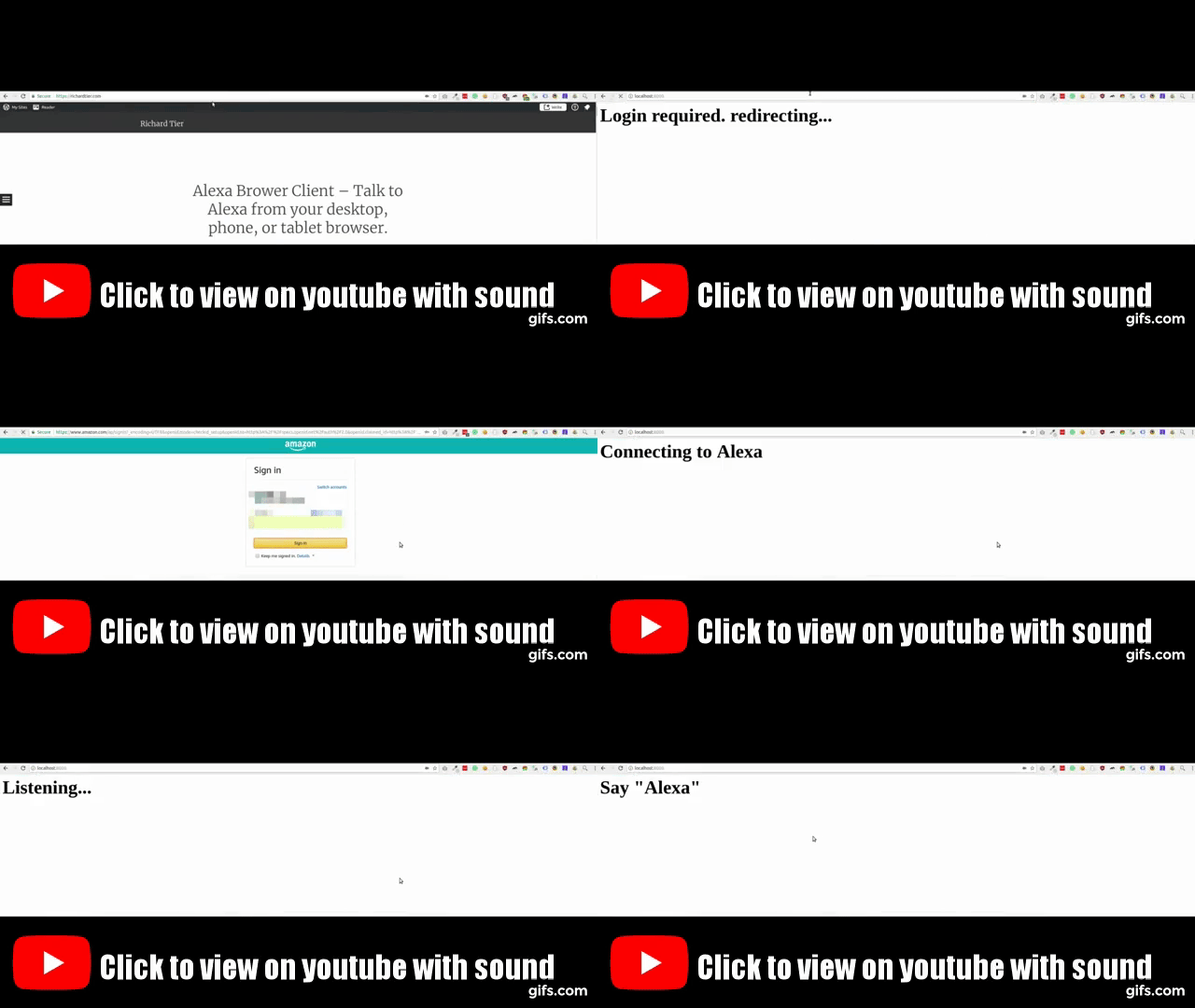
The demo should really be heard, so click the gif below to view it in youtube.
Dependencies
This project depends on: - django-channels. - Snowboy
Install and configure those first.
Snowboy
Snowboy detects when the wakeword “Alexa” is uttered.
You must compile Snowboy manually. Copy the compiled snowboy folder to the top level of you project. By default, the folder structure should be:
.
├── ...
├── snowboy
|   ├── snowboy-detect-swig.cc
|   ├── snowboydetect.py
|   └── resources
|       ├── alexa.umdl
|       └── common.res
└── ...
If the default folder structure does not suit your needs you can customize the wakeword detector.
Installation
pip install alexa_browser_client
Make sure your settings INSTALLED_APPS contains at least these entries:
INSTALLED_APPS = [
    'django.contrib.contenttypes',
    'django.contrib.auth',
    'django.contrib.sessions',
    'channels',
    'alexa_browser_client',
]
Routing and urls
Add url(r'^', include('alexa_browser_client.config.urls')), to urls.py url_patterns.
Add include('alexa_browser_client.config.routing.channel_routing') to your routing.py channel_routing.
Authentication
This app uses Alexa Voice Service. To use AVS you must first have a developer account. Then register your product here. Choose “Application” under “Is your product an app or a device”?
Ensure you update your settings.py:
Setting |
Notes |
|---|---|
ALEXA_BROWSER_CLIENT_AVS_CLIENT_I D |
Retrieve by clicking on the your product listed here |
ALEXA_BROWSER_CLIENT_AVS_CLIENT_S ECRET |
Retrieve by clicking on the your product listed here |
ALEXA_BROWSER_CLIENT_AVS_DEVICE_T YPE_ID |
Retrieve by reading “Product ID” here |
Refresh token
You will need to login to Amazon via a web browser to get your refresh token.
To enable this first go here and click on your product to set some security settings under Security Profile and, assuming you’re running on localhost:8000, set the following:
setting |
value |
|---|---|
Allowed Origins |
|
Allowed Return URLs |
Usage
Once you have all the settings configured:
Run django: ./manage.py runserver
Go to http://localhost:8000 and start talking to Alexa.
Customization
Wakeword
The default wakeword is “Alexa”. You can change this by customizing the lifecycle’s audio_detector_class:
# my_project/consumers.py

import alexa_browser_client
import command_lifecycle


class CustomAudioDetector(command_lifecycle.wakeword.SnowboyWakewordDetector):
    wakeword_library_import_path = 'dotted.import.path.to.wakeword.Detector'
    resource_file = b'path/to/resource_file.res'
    decoder_model = b'path/to/model_file.umdl'


class CustomAudioLifecycle(alexa_browser_client.AudioLifecycle):
    audio_detector_class = CustomAudioDetector


class CustomAlexaConsumer(alexa_browser_client.AlexaConsumer):
    audio_lifecycle_class = CustomAudioLifecycle
Then in your routes.py:
from my_project import consumers


channel_routing = [
    consumers.CustomAlexaConsumer.as_route(path='/'),
]
Unit test
To run the unit tests, call the following commands:
pip install -r requirements-dev.txt
./scripts/tests.sh
To test a specific file, call the following command:
./scripts/tests.sh /path/to/test-file.pyVersioning
We use SemVer for versioning. For the versions available, see the PyPI.
Other projects
This project uses Voice Command Lifecycle and Alexa Voice Service Client.
Release history Release notifications | RSS feed


Download files
Download the file for your platform. If you're not sure which to choose, learn more about installing packages.
Source Distributions
Built Distribution
Filter files by name, interpreter, ABI, and platform.
If you're not sure about the file name format, learn more about wheel file names.
Copy a direct link to the current filters
File details
Details for the file alexa_browser_client-1.3.0-py3-none-any.whl.
File metadata
- Download URL: alexa_browser_client-1.3.0-py3-none-any.whl
- Upload date:
- Size: 13.7 kB
- Tags: Python 3
- Uploaded using Trusted Publishing? No
- Uploaded via: twine/1.9.1 pkginfo/1.4.1 requests/2.19.1 setuptools/36.3.0 requests-toolbelt/0.8.0 tqdm/4.15.0 CPython/3.5.2
File hashes
| Algorithm | Hash digest | |
|---|---|---|
| SHA256 |
d9d755450b92321c35bb57ed0cce5404a9509dfca8fe3cdcc440eba4b7bd9daa
|
|
| MD5 |
2c5e0c22a2b0912ee9c3bc3f23673797
|
|
| BLAKE2b-256 |
466c2535573689bac3bc0932c2e778f31591fce77e00afafd8eefddafa7c146e
|






