
A helper library to interact with Arize AI APIs

Project description

Arize AI 

Overview
A helper library to interact with Arize AI APIs
Quickstart
Instrument your model to log prediction labels, human readable/debuggale features and tags, and the actual label events once the ground truth is learned. The logged events allow the Arize platform to generate visualizations of features/tags, labels and other model metadata. Additionally the platform will provide data quality monitoring and data distribution alerts, for your production models.
Start logging with the following steps.
1. Create your account
Sign up for a free account by reaching out to contacts@arize.com.
2. Get your service key
When you create an account, we generate a service api key. You will need this API Key and organization id for logging authentication.
3. Instrument your code
Python Client
If you are using our python client, add a few lines to your code to log predictions and actuals. Logs are sent to Arize asynchrously.
Install Library
Install our library in an environment using Python > 3.5.3.
$ pip3 install arize
Or clone the repo:
$ git clone https://github.com/Arize-ai/client_python.git
$ python setup.py install
Initialize Python Client
Initialize arize at the start of your sevice using your previously created Organization ID and API Key
NOTE: We suggest adding the API KEY as secrets or an environment variable.
from arize.api import Client

API_KEY = os.environ.get('ARIZE_API_KEY') #If passing api_key via env vars

arize = Client(organization_id=1234, api_key=API_KEY, uri='https://dev.arize.com/v1')
Collect your model input features and labels you'd like to track
Real-time single prediction:
For real-time single prediction process, you can track all input features used to at prediction time by logging it via a key:value dictionary.
features = {
    'state': 'ca',
    'city': 'berkeley',
    'merchant_name': 'Peets Coffee',
    'pos_approved': True,
    'item_count': 10,
    'merchant_type': 'coffee shop',
    'charge_amount': 20.11,
    }
Bulk predictions:
When dealing with bulk predictions, you can pass in input features, prediction/actual labels, and prediction_ids via a Pandas Dataframe where df.coloumns contain feature names.
## e.g. labels from a CSV. Labels must be 2-D data frames where df.columns correspond to the label name
features_df = pd.read_csv('path/to/file.csv')

prediction_labels_df = pd.DataFrame(np.random.randint(1, 100, size=(features.shape[0], 1)))

ids_df = pd.DataFrame([str(uuid.uuid4()) for _ in range(len(prediction_labels.index))])
Log Predictions
Single real-time precition:
## Returns an array of concurrent.futures.Future
responses = arize.log(
    model_id='sample-model-1',
    model_version='v1.23.64',
    prediction_ids='plED4eERDCasd9797ca34',
    prediction_labels=True,
    features=features,
    actual_labels=None
    )
Bulk upload:
responses = arize.log(
    model_id='sample-model-1',
    model_version='v1.23.64', ## Optional
    prediction_ids=ids_df,
    prediction_labels=prediction_labels_df,
    features=features_df,
    actual_labels=None
    )
To confirm request futures completed successfully, await for futures to resolve:
## NB: This is a blocking call
import concurrent.futures as cf
for response in cf.as_completed(responses):
  res = response.result()
  if res.status_code != 200:
    print(f'future failed with response code {res.status_code}, {res.text}')
Arize log returns a list of concurrent futures for asyncronous behavior. To capture the logging response, you can await the resolved futures. If you desire a fire-and-forget pattern you can disreguard the reponses altogether.
We automatically discover new models logged over time based on the model ID sent on each prediction.
Logging Actual Labels
NOTE: Notice the prediction_id passed in matched the original prediction send on the previous example above.
response = arize.log(
    model_id='sample-model-1',
    prediction_ids='plED4eERDCasd9797ca34',
    prediction_labels=None,
    actual_labels=False
    )
Once the actual label (ground truth) for a prediction is determined, you can send those to Arize and evaluate your metrics over time. What links the actual label to the original prediction label is the prediction_id for a model_id
4. Log In for Analytics
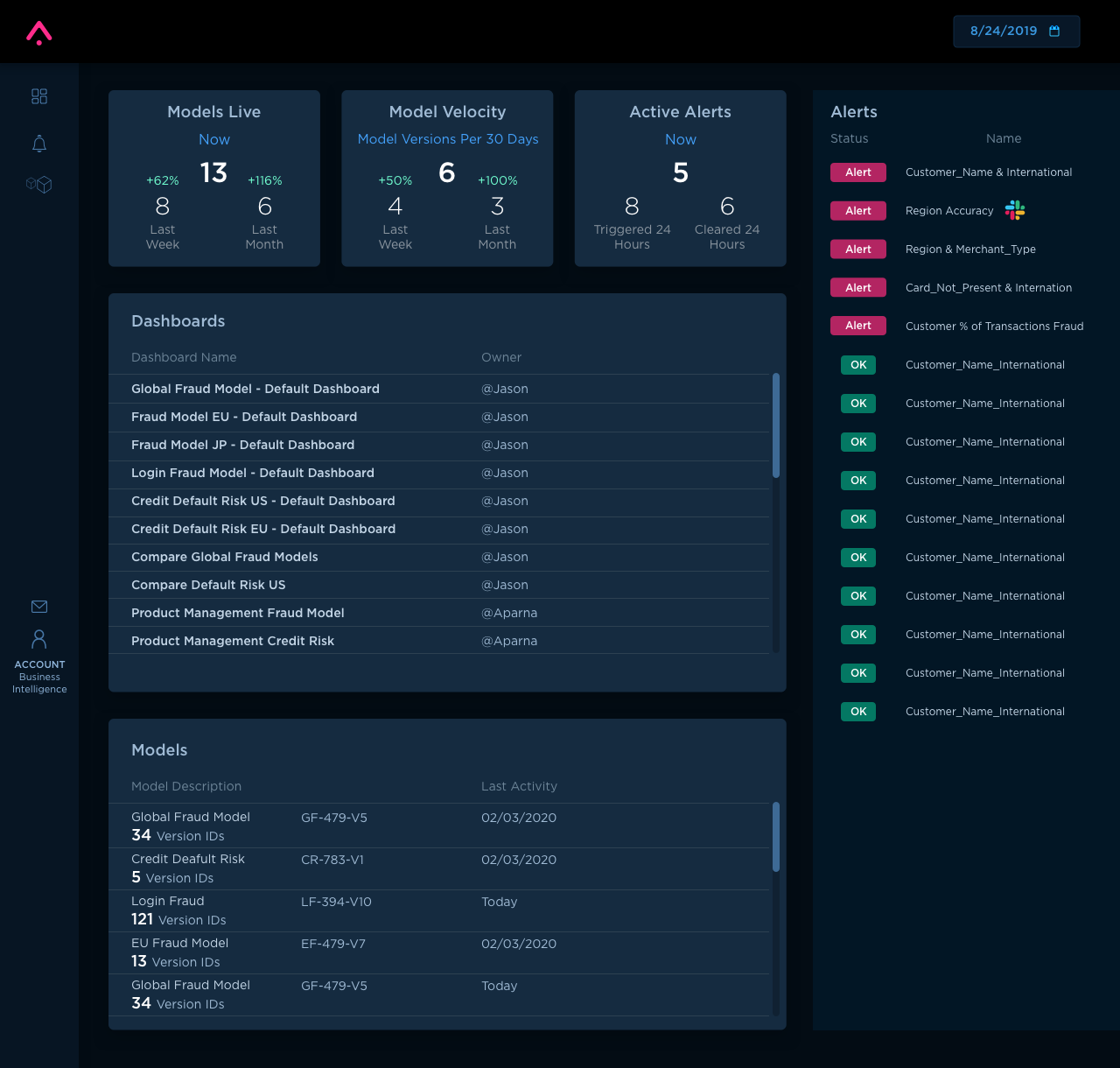
That's it! Once your service is deployed and predictions are logged you'll be able to log into your Arize account and dive into your data. Slicing it by features, tags, models, time, etc.
Analytics Dashboard
Other languages
If you are using a different language, you'll be able to post an HTTP request to our Arize edge-servers to log your events.
HTTP post request to Arize
curl -X POST -H "Authorization: API_KEY" "https://dev.arize.com/v1/log" -d'{"organization_id": 0, "model_id": "test_model_1", "prediction_id":"test100", "prediction":{"model_version": "v1.23.64", "features":{"state":{"string_": "CO"}, "item_count":{"int": 10}, "charge_amt":{"float": 12.34}, "physical_card":{"string_": true}}, "prediction_label": {"binary": false}}}'
Contributing
TBD
Release history Release notifications | RSS feed


Download files
Download the file for your platform. If you're not sure which to choose, learn more about installing packages.
Source Distribution
Built Distribution
Filter files by name, interpreter, ABI, and platform.
If you're not sure about the file name format, learn more about wheel file names.
Copy a direct link to the current filters
File details
Details for the file arize-0.0.16.tar.gz.
File metadata
- Download URL: arize-0.0.16.tar.gz
- Upload date:
- Size: 14.2 kB
- Tags: Source
- Uploaded using Trusted Publishing? No
- Uploaded via: twine/3.1.1 pkginfo/1.5.0.1 requests/2.23.0 setuptools/45.2.0 requests-toolbelt/0.9.1 tqdm/4.43.0 CPython/3.7.3
File hashes
| Algorithm | Hash digest | |
|---|---|---|
| SHA256 |
d394a5c0ee049de599b0bc93ff2e6e08202ba727ca7100a9b5c522c499be26e0
|
|
| MD5 |
d16592ecc612513b65bef526f3ea41c4
|
|
| BLAKE2b-256 |
b19756ce1150259d98918ce6af303386b0264da4783c257f3f9426000775fee5
|
File details
Details for the file arize-0.0.16-py2.py3-none-any.whl.
File metadata
- Download URL: arize-0.0.16-py2.py3-none-any.whl
- Upload date:
- Size: 12.4 kB
- Tags: Python 2, Python 3
- Uploaded using Trusted Publishing? No
- Uploaded via: twine/3.1.1 pkginfo/1.5.0.1 requests/2.23.0 setuptools/45.2.0 requests-toolbelt/0.9.1 tqdm/4.43.0 CPython/3.7.3
File hashes
| Algorithm | Hash digest | |
|---|---|---|
| SHA256 |
4c23d75be6ff559f6d49f303ccd996973cdbae34d7fe9a844d035e5b66611de5
|
|
| MD5 |
07dbff77d4e3a3c8b7b4b21f95f8d793
|
|
| BLAKE2b-256 |
bcb6335890678e8ded5b109097a27d392a01c37201498de0c1866dda754bb060
|






