
Adds pretty CSS styles for the django CMS admin interface.


Project description



Adds pretty CSS styles for the django CMS admin interface. Supports optional django-admin-shortcuts package.
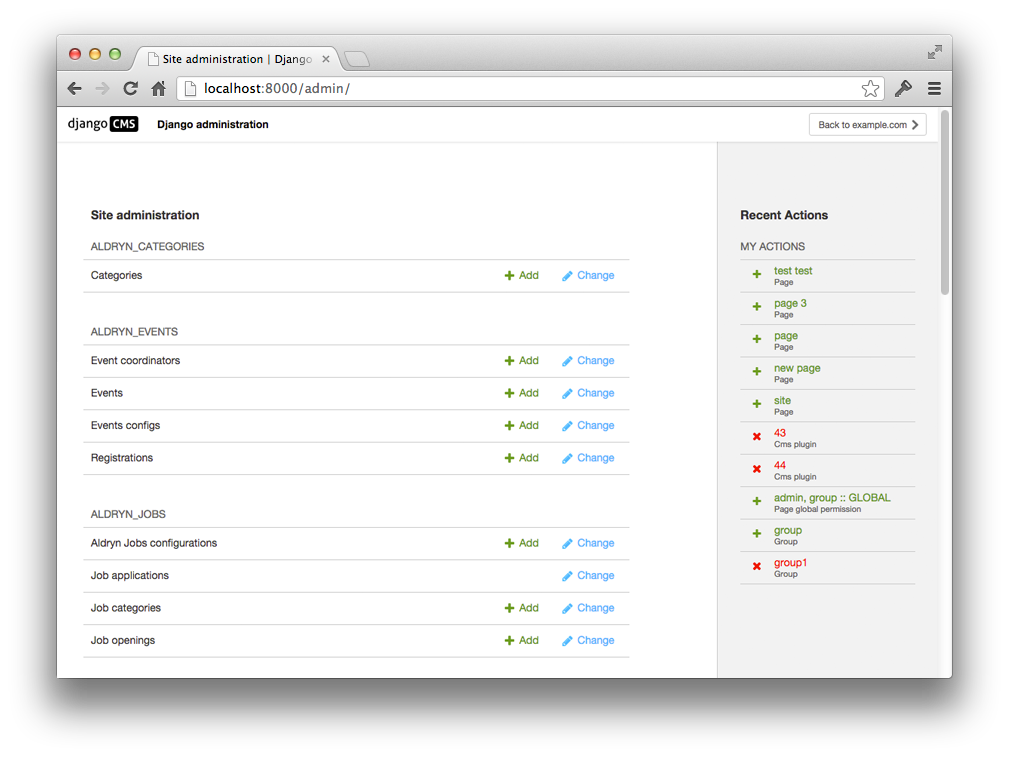
|
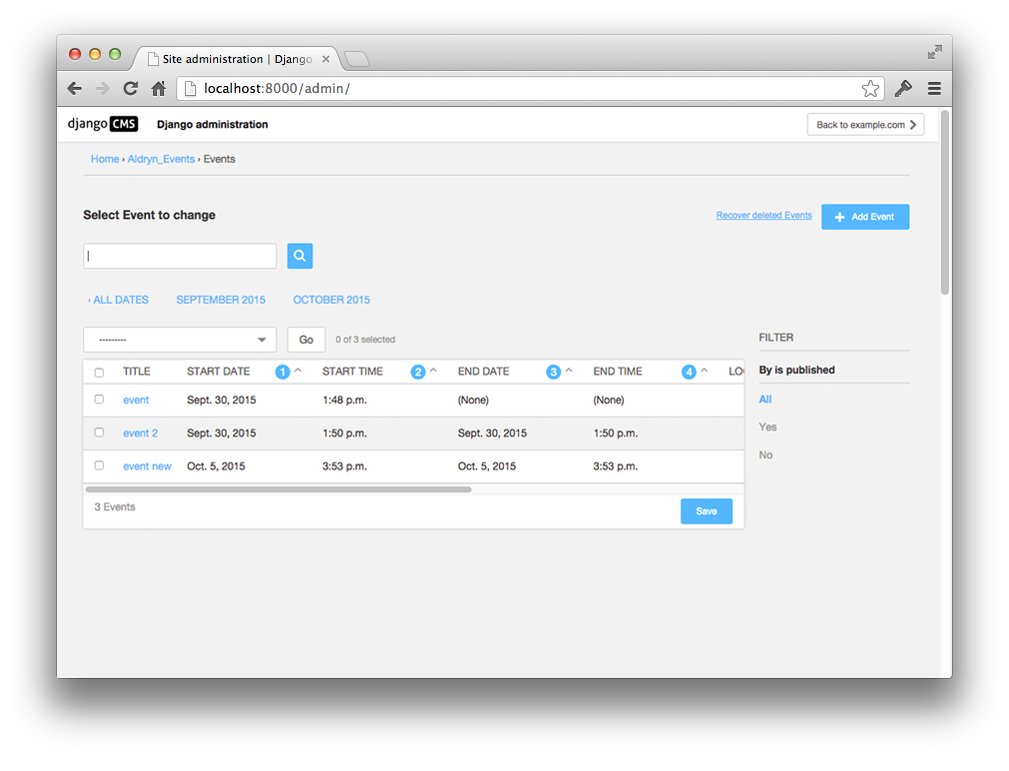
|
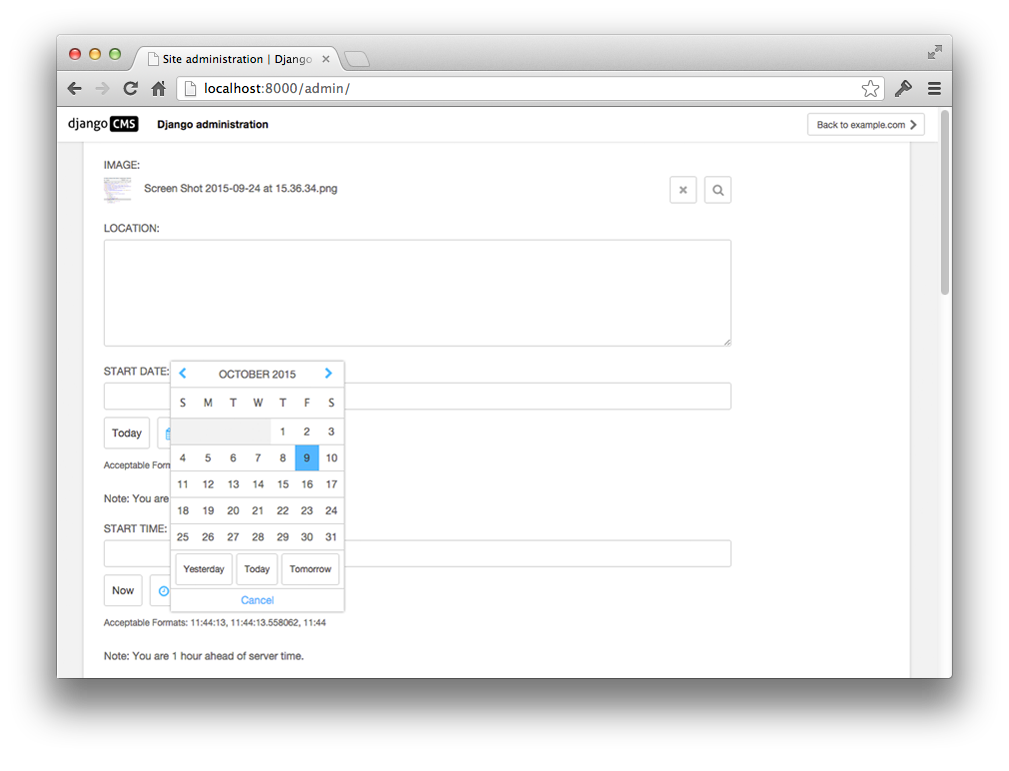
|
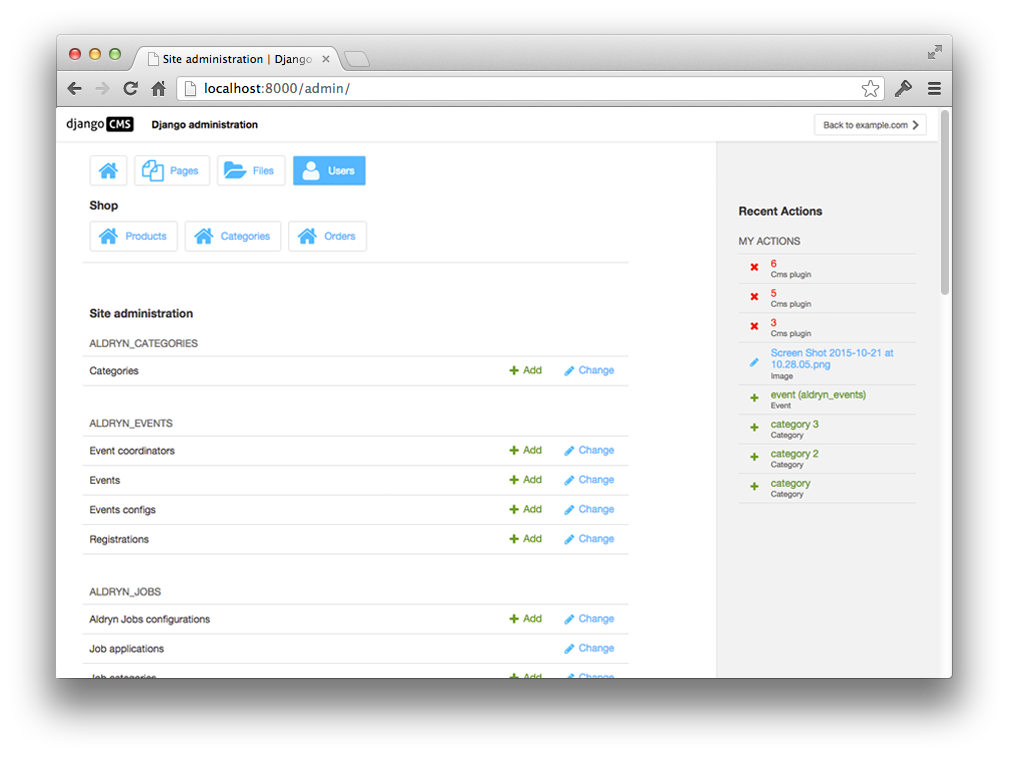
|
The shortcuts you see on top of the dashboard are from django-admin-shortcuts
Contribute to this project and win rewards
Because this is a an open-source project, we welcome everyone to get involved in the project and receive a reward for their contribution. Become part of a fantastic community and help us make django CMS the best CMS in the world.
We’ll be delighted to receive your feedback in the form of issues and pull requests. Before submitting your pull request, please review our contribution guidelines.
We’re grateful to all contributors who have helped create and maintain this package. Contributors are listed at the contributors section.
Documentation
See REQUIREMENTS in the setup.py file for additional dependencies:




Installation
For a manual install:
run pip install djangocms-admin-style
add djangocms_admin_style to your INSTALLED_APPS just before 'django.contrib.admin'
run python manage.py migrate djangocms_admin_style
Configuration
The django CMS Admin Style overrides django admin’s base_site.html, but you can still partially customize this page. Look at the source of templates/admin/base_site.html and override the templates that are included in various blocks. For example, you can add your own CSS in templates/admin/inc/extrastyle.html.
The following additional settings can be set:
CMS_ENABLE_UPDATE_CHECK = True Set to False to disable the update notification.
CMS_UPDATE_CHECK_TYPE = ('minor') Set to ('patch') to get only patch notifications. (minor = 3.x.x, patch = 3.4.x)
The update checker does not gather or record any data.
To compile CSS run the following commands using node 16:
nvm use
npm install
gulp
For further options have a look at the gulpfile.js.
Dark mode support
Django supports a dark mode admin since version 3.1. djangocms-admin-style introduces css variables that contain color codes and change with the selected mode:
CMS variable name |
Color |
Django admin fallback |
Color |
--dca-white |
#ffffff |
--body-bg |
#ffffff |
--dca-black |
#000000 |
--body-fg |
#303030 |
--dca-gray |
#666 |
--body-quiet-color |
#666 |
--dca-gray-lightest |
#f2f2f2 |
--darkened-bg |
#f8f8f8 |
--dca-gray-lighter |
#ddd |
--border-color |
#ccc |
--dca-gray-light |
#999 |
--close-button-bg |
#888 |
--dca-gray-darker |
#454545 |
||
--dca-gray-darkest |
#333 |
||
--dca-gray-super-lightest |
#f7f7f7 |
||
--dca-primary |
#00bbff |
--primary |
#79aec8 |
Extending styles in your own app
If your project or app requires specific styles if djangocms-admin-style is installed (e.g., to better adjust to the django CMS style) you can add selective styling by adding the .djangocms-admin-style selector:
// Show widget in CMS colors if djangocms-admin-style is installed
.djangocms-admin-style #my-widget {
    color:  var(--dca-primary, black);
}
We recommend to following rules for your app’s admin css:
Try avoid using color, background etc. styles where possible and meaningful
If necessary use as few as possible standard django CMS colors (preferably from see above list with fallback colors)
Usage: var(--dca-color-var, var(--fallback-color-var, #xxxxxx)) where #xxxxxx represents the light version of the color.
Running Tests
You can run tests by executing:
virtualenv env
source env/bin/activate
pip install -r tests/requirements/base.txt
python setup.py test
In order to run integration tests you need to have Docker installed, then run the following command:
make test
To test other Django versions simply append VERSION=4.1`. You can also run the test server through:
make run
The integration tests are written using Casperjs, phantomcss and djangocms-casper-helpers.
Project details
Release history Release notifications | RSS feed


Download files
Download the file for your platform. If you're not sure which to choose, learn more about installing packages.
Source Distribution
Built Distribution
Filter files by name, interpreter, ABI, and platform.
If you're not sure about the file name format, learn more about wheel file names.
Copy a direct link to the current filters
File details
Details for the file djangocms-admin-style-3.2.3.tar.gz.
File metadata
- Download URL: djangocms-admin-style-3.2.3.tar.gz
- Upload date:
- Size: 314.1 kB
- Tags: Source
- Uploaded using Trusted Publishing? No
- Uploaded via: twine/4.0.2 CPython/3.9.16
File hashes
| Algorithm | Hash digest | |
|---|---|---|
| SHA256 |
1c0d962e2d70bcce7ff270a187558dedf6f6d626e0e5e31d50a0331105d75e87
|
|
| MD5 |
2b1e1d81ab7404350cf30b76c25e302a
|
|
| BLAKE2b-256 |
33ac00071a05c153f4dc52d1edb62a5eb4c0d0bbe53ef3f16830625001a52b18
|
File details
Details for the file djangocms_admin_style-3.2.3-py3-none-any.whl.
File metadata
- Download URL: djangocms_admin_style-3.2.3-py3-none-any.whl
- Upload date:
- Size: 404.2 kB
- Tags: Python 3
- Uploaded using Trusted Publishing? No
- Uploaded via: twine/4.0.2 CPython/3.9.16
File hashes
| Algorithm | Hash digest | |
|---|---|---|
| SHA256 |
f946f9cf9dbe2e1d89af221d2414335b944f993ea6527ef6a38ad79f99517967
|
|
| MD5 |
62041a85071062697c14797877f5f31c
|
|
| BLAKE2b-256 |
5b5477a3145bf557cdffc28ed8ce94106bd04118826f08a6ee8b5a8459643d2e
|






