
Web Client for Visualizing Pandas Objects


Project description








What is it?
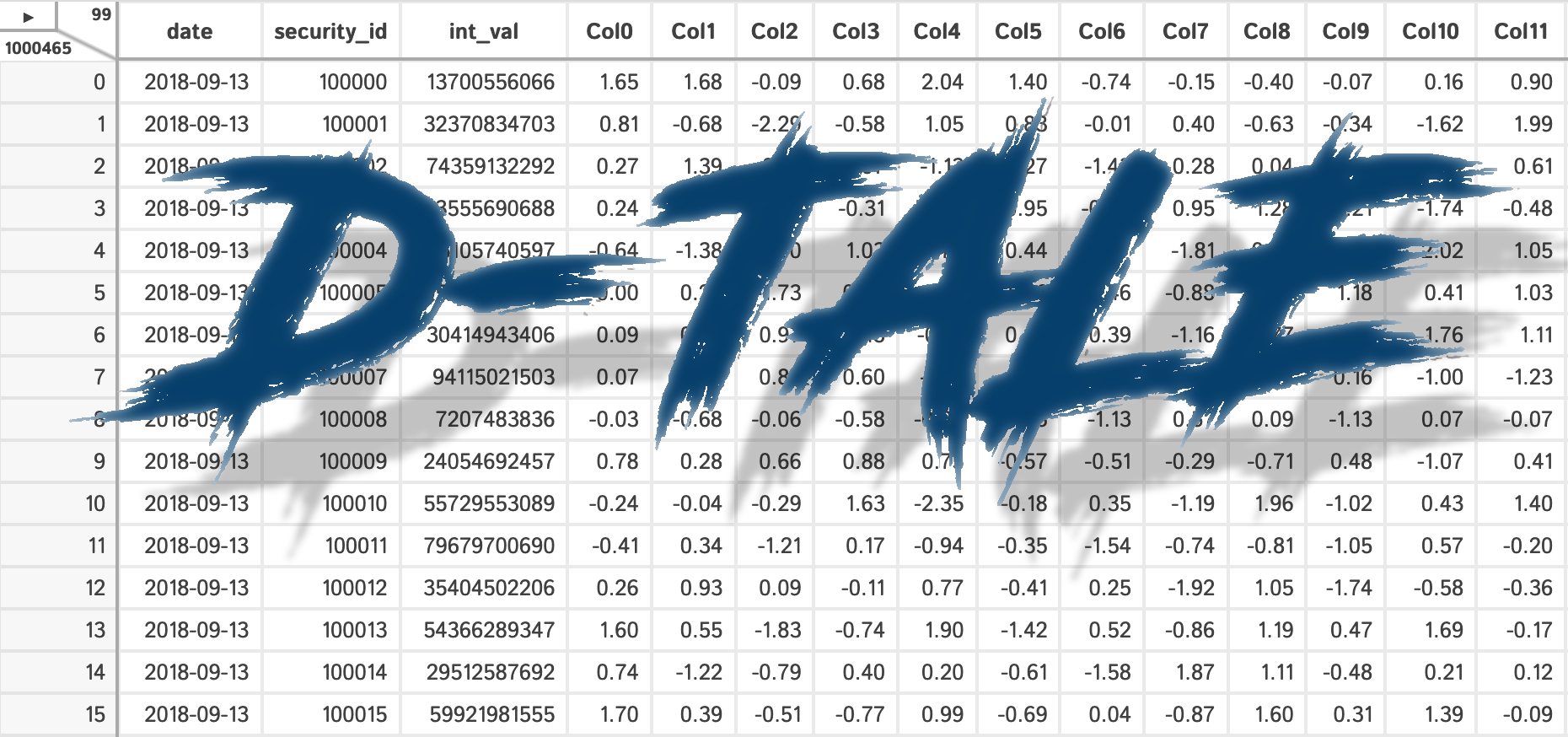
D-Tale is the combination of a Flask back-end and a React front-end to bring you an easy way to view & analyze Pandas data structures. It integrates seamlessly with ipython notebooks & python/ipython terminals. Currently this tool supports such Pandas objects as DataFrame, Series, MultiIndex, DatetimeIndex & RangeIndex.
Origins
D-Tale was the product of a SAS to Python conversion. What was originally a perl script wrapper on top of SAS’s insight function is now a lightweight web client on top of Pandas data structures.
In The News
Man Institute (warning: contains deprecated functionality)
Tutorials
## Related Resources
Where To get It
The source code is currently hosted on GitHub at: https://github.com/man-group/dtale
Binary installers for the latest released version are available at the Python package index and on conda using conda-forge.
# conda
conda install dtale -c conda-forge
# if you want to also use "Export to PNG" for charts
conda install -c plotly python-kaleido
# or PyPI
pip install dtaleGetting Started
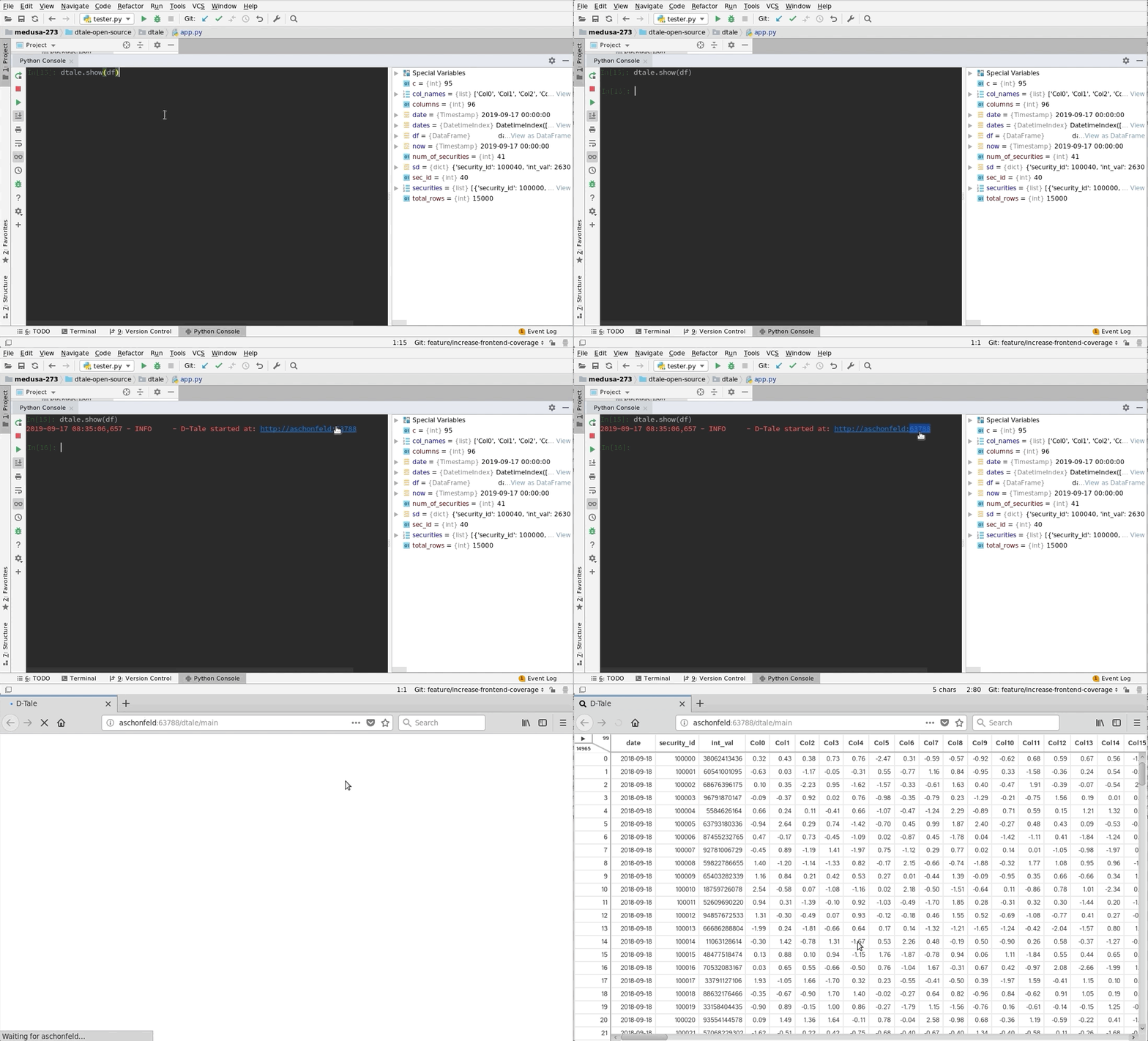
PyCharm |
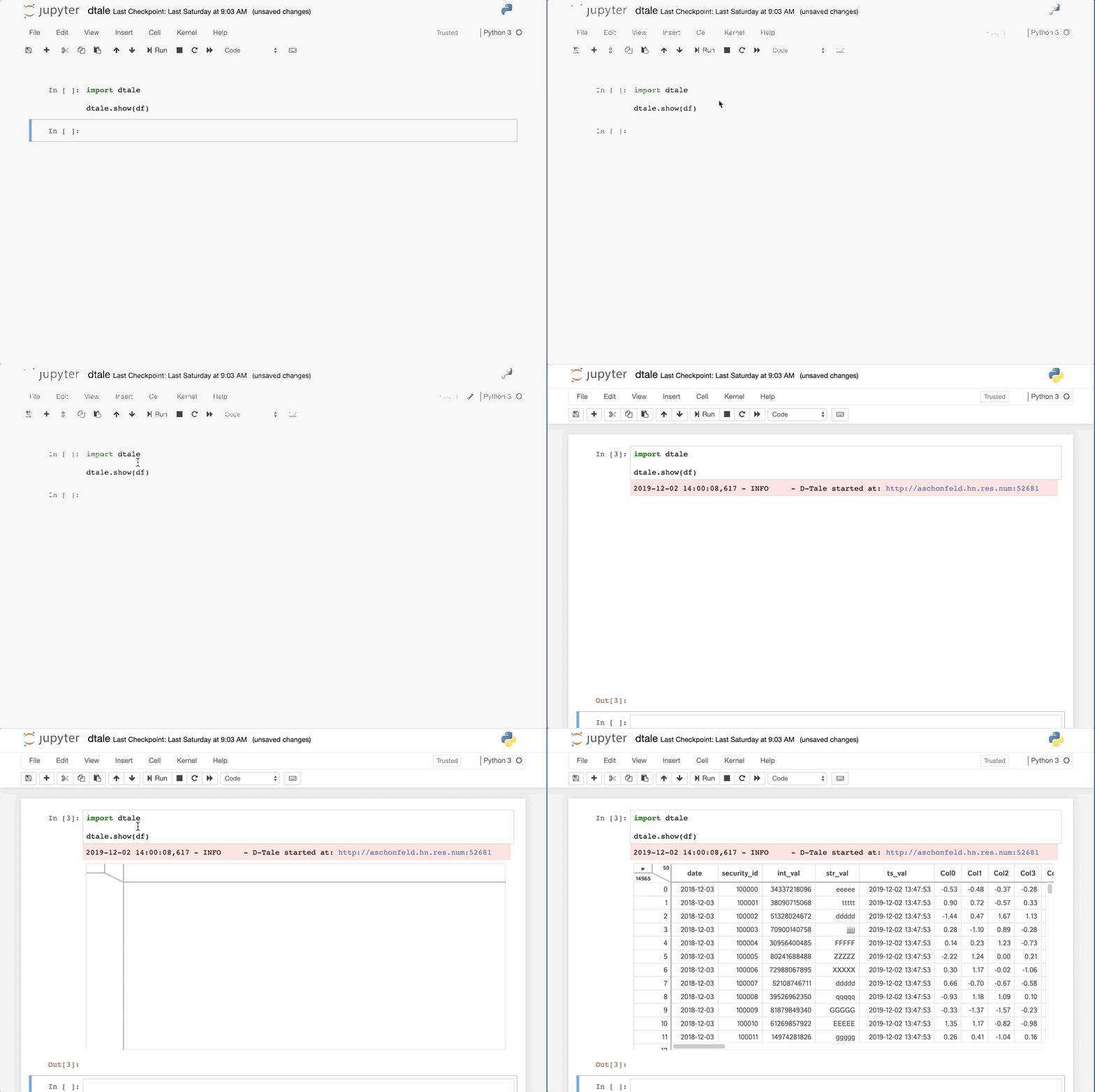
jupyter |
|---|---|
Python Terminal
This comes courtesy of PyCharm 
Issues With Windows Firewall
If you run into issues with viewing D-Tale in your browser on Windows please try making Python public under “Allowed Apps” in your Firewall configuration. Here is a nice article: How to Allow Apps to Communicate Through the Windows Firewall
Additional functions available programmatically
import dtale
import pandas as pd

df = pd.DataFrame([dict(a=1,b=2,c=3)])

# Assigning a reference to a running D-Tale process
d = dtale.show(df)

# Accessing data associated with D-Tale process
tmp = d.data.copy()
tmp['d'] = 4

# Altering data associated with D-Tale process
# FYI: this will clear any front-end settings you have at the time for this process (filter, sorts, formatting)
d.data = tmp

# Shutting down D-Tale process
d.kill()

# using Python's `webbrowser` package it will try and open your server's default browser to this process
d.open_browser()

# There is also some helpful metadata about the process
d._data_id  # the process's data identifier
d._url  # the url to access the process

d2 = dtale.get_instance(d._data_id)  # returns a new reference to the instance running at that data_id

dtale.instances()  # prints a list of all ids & urls of running D-Tale sessions
License
D-Tale is licensed under the GNU LGPL v2.1. A copy of which is included in LICENSE
Additional Documentation
Located on the main github repo
Release history Release notifications | RSS feed


Download files
Download the file for your platform. If you're not sure which to choose, learn more about installing packages.
Source Distribution
Built Distribution
Filter files by name, interpreter, ABI, and platform.
If you're not sure about the file name format, learn more about wheel file names.
Copy a direct link to the current filters
File details
Details for the file dtale-3.20.0.tar.gz.
File metadata
- Download URL: dtale-3.20.0.tar.gz
- Upload date:
- Size: 16.4 MB
- Tags: Source
- Uploaded using Trusted Publishing? No
- Uploaded via: twine/4.0.1 CPython/3.8.0
File hashes
| Algorithm | Hash digest | |
|---|---|---|
| SHA256 |
4a60f8b5e11e59056a8c7b05dcf746835b48bae2626c69fb2a77459d657128c8
|
|
| MD5 |
4c12b609eae8159a9eb80cc4d72b5c10
|
|
| BLAKE2b-256 |
ddb383cd4eb0ec47c354f31e8252338f52ea6f43f98dd631f5a4a23c8e33feed
|
File details
Details for the file dtale-3.20.0-py2.py3-none-any.whl.
File metadata
- Download URL: dtale-3.20.0-py2.py3-none-any.whl
- Upload date:
- Size: 17.5 MB
- Tags: Python 2, Python 3
- Uploaded using Trusted Publishing? No
- Uploaded via: twine/4.0.1 CPython/3.8.0
File hashes
| Algorithm | Hash digest | |
|---|---|---|
| SHA256 |
638881432538a91c997cae58693bcaec2879524007b831b6861aa241dde51d41
|
|
| MD5 |
9effc4927958d9701f42f0b2b20fa1c3
|
|
| BLAKE2b-256 |
6b3f03f429c58422bba0c6027cb5a3f16d71fd239ffee50a3393565dfc21678f
|






