
A Python script that convert any electronic components from LCSC or EasyEDA to a Kicad library

Project description
easyeda2kicad v0.1.0





A Python script that convert any electronic components from EasyEDA or LCSC to a Kicad library
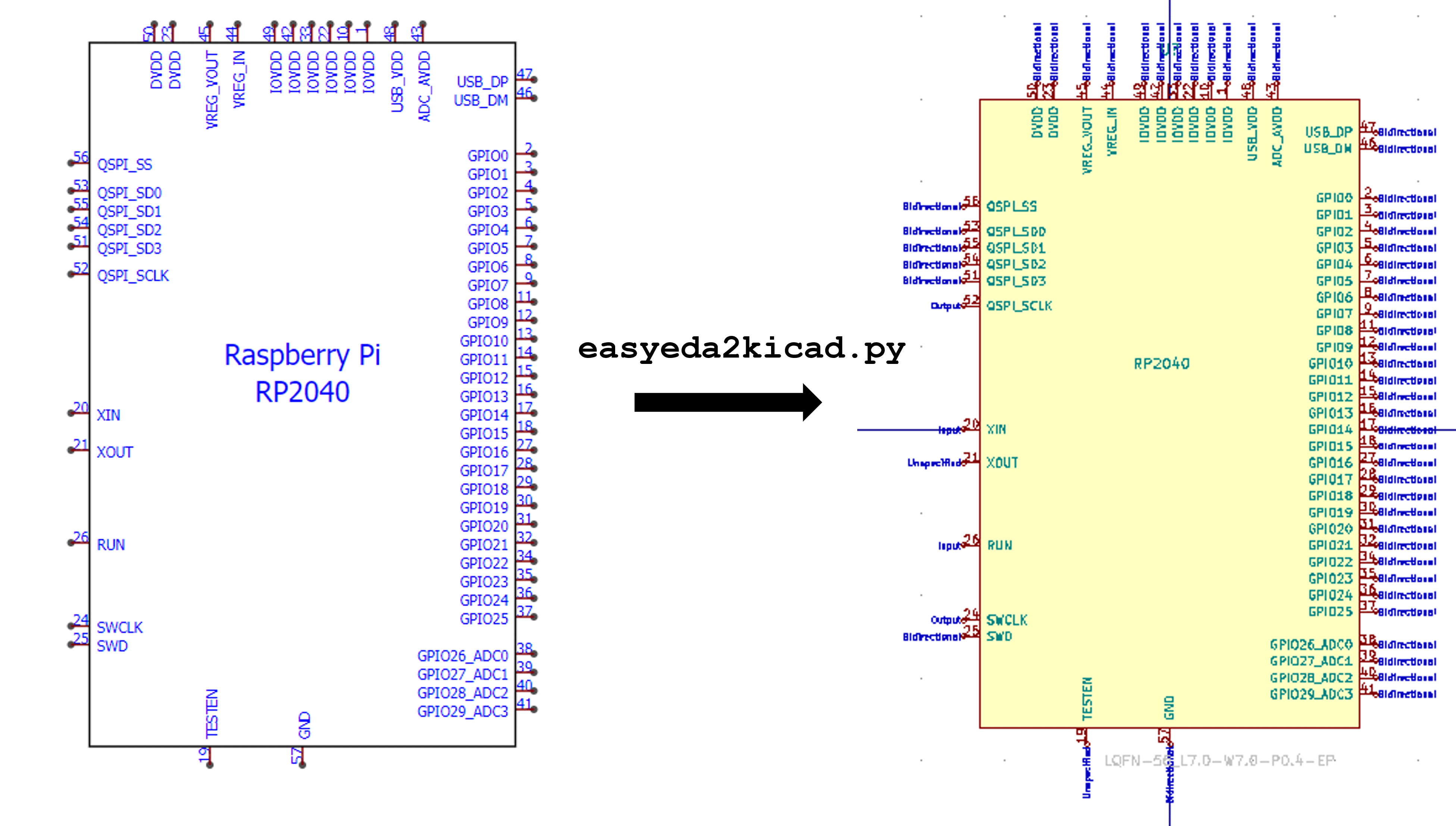
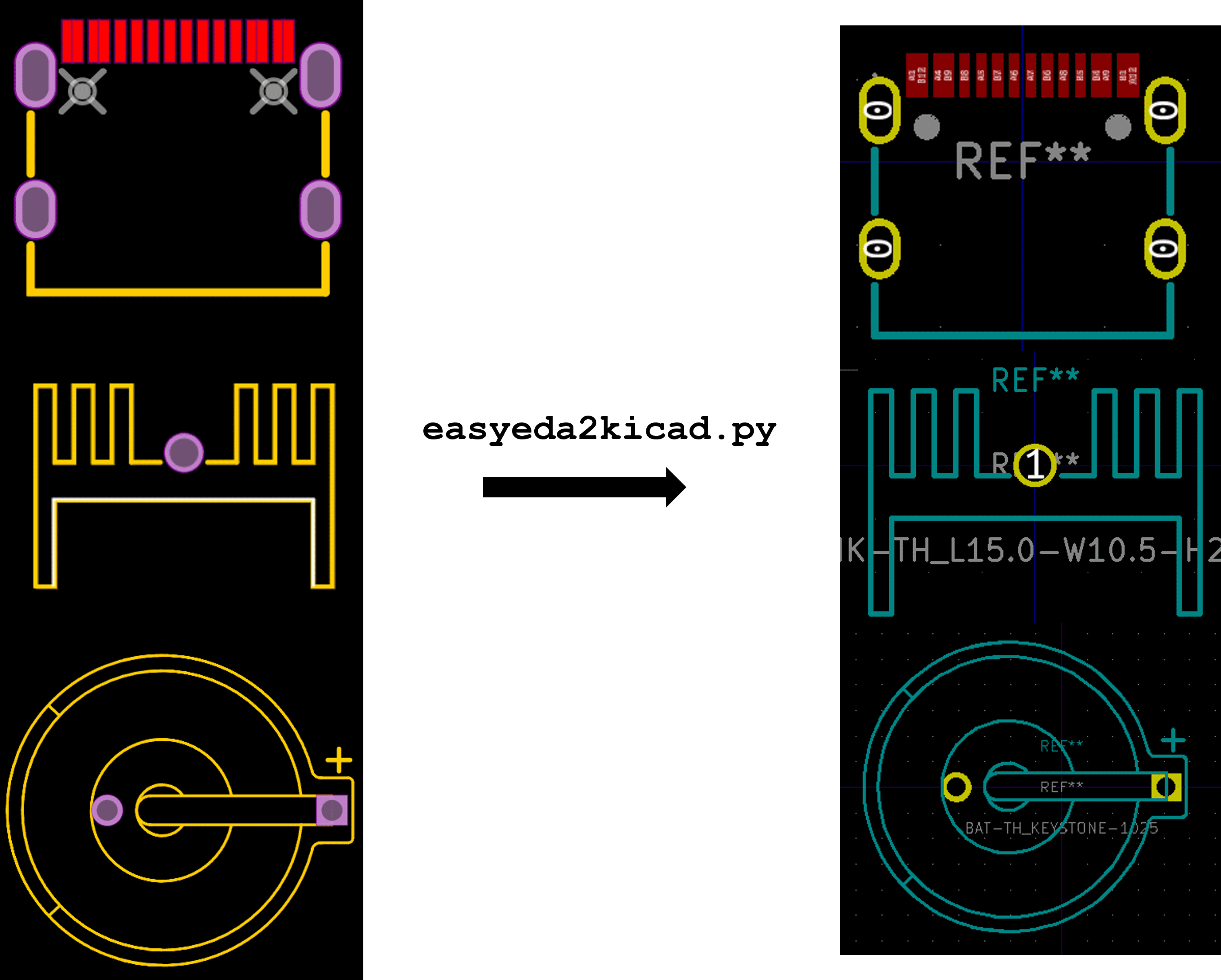
Installation
pip install easyeda2kicad
The script uses only one external library pydantic for data validation.
Usage
# For symbol + footprint
easyeda2kicad --symbol --footprint --lcsc_id=C2040
# For symbol only
easyeda2kicad --symbol --lcsc_id=C2040
# For footprint only
easyeda2kicad --footprint --lcsc_id=C2040
By default, all librairies are saved in C:/Users/your_name/Documents/Kicad/easyeda2kicad/, with :
easyeda2kicad.libfor symbol libraryeasyeda2kicad.pretty/for footprint libraries
If you want to save components symbol/footprint in your own libs, you can specify the output lib path by using --output option.
easyeda2kicad --symbol --footprint --lcsc_id=C2040 --output ~/libs/my_lib
This command will save:
- the symbol in
~/libs/my_lib.libfile for symbol library. The file will be created if it doesn't exist - the footprint in
~/libs/my_lib.pretty/folder for footprint libraries. The folder will be created if it doesn't exist
You can use the option --overwrite to update a component symbol/footprint that is already in a Kicad library (generated by easyeda2kicad)
easyeda2kicad --symbol --footprint --lcsc_id=C2040 --output ~/libs/my_lib --overwrite
Add libraries in Kicad
These are the instructions to add the default easyeda2kicad libraries in Kicad. Before configuring KiCad, run at least once time the script to create lib files. For example :
easyeda2kicad --symbol --footprint --lcsc_id=C2040
- In KiCad, Go to Preferences > Configure Paths, and add the environment variables
EASYEDA2KICAD:- Windows :
C:/Users/your_username/Documents/Kicad/easyeda2kicad/, - Linux :
/home/your_username/Documents/Kicad/easyeda2kicad/
- Windows :
- Go to Preferences > Manage Symbol Libraries, and Add the global library
easyeda2kicad:${EASYEDA2KICAD}/easyeda2kicad.lib - Go to Preferences > Manage Footprint Libraries, and Add the global library
easyeda2kicad:${EASYEDA2KICAD}/easyeda2kicad.pretty - Enjoy :wink:
Notes
It's still in development : all features are not implemented. I'm not a Python expert and don't have a lot of free time for coding. Feel free to contribute :slightly_smiling_face:
Some stuffs to be done:
- Add unit testing and code coverage badge
Inspirations
- KiPart - A utility that generates single and multi-unit symbols from a CSV file containing all the pin information for one or more parts.
Release history Release notifications | RSS feed


Download files
Download the file for your platform. If you're not sure which to choose, learn more about installing packages.
Source Distribution
Built Distribution
Filter files by name, interpreter, ABI, and platform.
If you're not sure about the file name format, learn more about wheel file names.
Copy a direct link to the current filters
File details
Details for the file easyeda2kicad-0.1.0.tar.gz.
File metadata
- Download URL: easyeda2kicad-0.1.0.tar.gz
- Upload date:
- Size: 31.4 kB
- Tags: Source
- Uploaded using Trusted Publishing? No
- Uploaded via: twine/3.8.0 pkginfo/1.8.2 readme-renderer/32.0 requests/2.27.1 requests-toolbelt/0.9.1 urllib3/1.26.8 tqdm/4.62.3 importlib-metadata/4.11.1 keyring/23.5.0 rfc3986/2.0.0 colorama/0.4.4 CPython/3.9.10
File hashes
| Algorithm | Hash digest | |
|---|---|---|
| SHA256 |
6c44bb609a5156f274654a13d19e3a5450dbd91354512f571ce00ac6c2ee126e
|
|
| MD5 |
7f83407f204b93bf090b452a7794a748
|
|
| BLAKE2b-256 |
a005e1ed24adc7ada52558950af5d83ef7684dfd11e5315670c66f09dbb18b7f
|
File details
Details for the file easyeda2kicad-0.1.0-py3-none-any.whl.
File metadata
- Download URL: easyeda2kicad-0.1.0-py3-none-any.whl
- Upload date:
- Size: 32.2 kB
- Tags: Python 3
- Uploaded using Trusted Publishing? No
- Uploaded via: twine/3.8.0 pkginfo/1.8.2 readme-renderer/32.0 requests/2.27.1 requests-toolbelt/0.9.1 urllib3/1.26.8 tqdm/4.62.3 importlib-metadata/4.11.1 keyring/23.5.0 rfc3986/2.0.0 colorama/0.4.4 CPython/3.9.10
File hashes
| Algorithm | Hash digest | |
|---|---|---|
| SHA256 |
bad8ef2f5c9e1151aef6c83b5e97c88682bf01130d5c6ff5bc06ff7665b3c3a6
|
|
| MD5 |
9880500df00ca7432daae9be013cb236
|
|
| BLAKE2b-256 |
f28489323546620f77f0abe958df6bfa3bb037c5760e7e789daeed4efcceece1
|






