
A Python package for using Artificial Intelligence (AI) with geospatial data

Project description
GeoAI: Artificial Intelligence for Geospatial Data










A powerful Python package for integrating artificial intelligence with geospatial data analysis and visualization
📖 Introduction
GeoAI is a comprehensive Python package designed to bridge artificial intelligence (AI) and geospatial data analysis, providing researchers and practitioners with intuitive tools for applying machine learning techniques to geographic data. The package offers a unified framework for processing satellite imagery, aerial photographs, and vector data using state-of-the-art deep learning models. GeoAI integrates popular AI frameworks including PyTorch, Transformers, PyTorch Segmentation Models, and specialized geospatial libraries like torchange, enabling users to perform complex geospatial analyses with minimal code.
The package provides five core capabilities:
- Interactive and programmatic search and download of remote sensing imagery and geospatial data.
- Automated dataset preparation with image chips and label generation.
- Model training for tasks such as classification, detection, and segmentation.
- Inference pipelines for applying models to new geospatial datasets.
- Interactive visualization through integration with Leafmap and MapLibre.
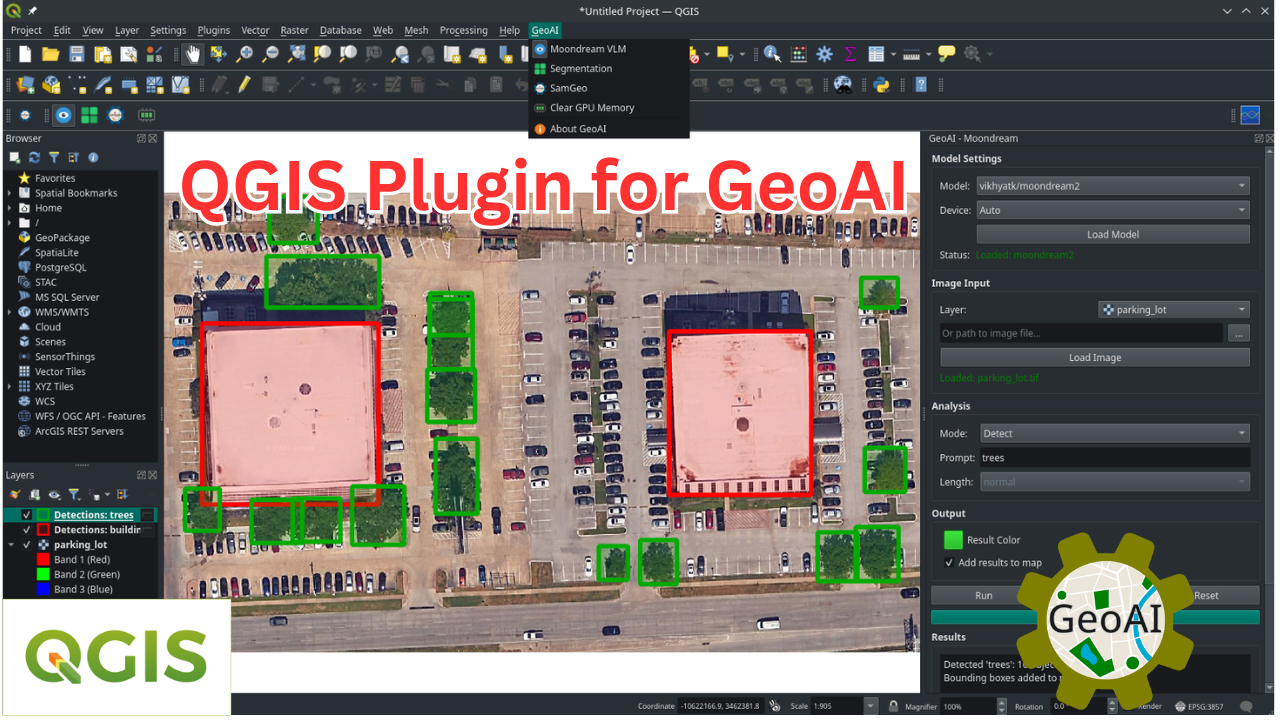
- Seamless QGIS integration via a dedicated GeoAI plugin, enabling users to run AI-powered geospatial workflows directly within the QGIS desktop environment, without writing code.
GeoAI addresses the growing demand for accessible AI tools in geospatial research by providing high-level APIs that abstract complex machine learning workflows while maintaining flexibility for advanced users. The package supports multiple data formats (GeoTIFF, JPEG2000, GeoJSON, Shapefile, GeoPackage) and includes automatic device management for GPU acceleration when available. With over 10 modules and extensive notebook examples, GeoAI serves as both a research tool and educational resource for the geospatial AI community.
📝 Statement of Need
The integration of artificial intelligence with geospatial data analysis has become increasingly critical across numerous scientific disciplines, from environmental monitoring and urban planning to disaster response and climate research. However, applying AI techniques to geospatial data presents unique challenges including data preprocessing complexities, specialized model architectures, and the need for domain-specific knowledge in both machine learning and geographic information systems.
Existing solutions often require researchers to navigate fragmented ecosystems of tools, combining general-purpose machine learning libraries with specialized geospatial packages, leading to steep learning curves and reproducibility challenges. While packages like TorchGeo, TerraTorch, and SRAI provide excellent foundational tools for geospatial deep learning, there remains a gap for comprehensive, high-level interfaces that can democratize access to advanced AI techniques for the broader geospatial community.
GeoAI addresses this need by providing a unified, user-friendly interface that abstracts the complexity of integrating multiple AI frameworks with geospatial data processing workflows. It lowers barriers for: (1) geospatial researchers who need accessible AI workflows without deep ML expertise; (2) AI practitioners who want streamlined geospatial preprocessing and domain-specific datasets; and (3) educators seeking reproducible examples and teaching-ready workflows.
The package's design philosophy emphasizes simplicity without sacrificing functionality, enabling users to perform sophisticated analyses such as building footprint extraction from satellite imagery, land cover classification, and change detection with just a few lines of code. By integrating cutting-edge AI models and providing seamless access to major geospatial data sources, GeoAI significantly lowers the barrier to entry for geospatial AI applications while maintaining the flexibility needed for advanced research applications.
Citations
If you find GeoAI useful in your research, please consider citing the following paper to support my work. Thank you for your support.
- Wu, Q., (2026). GeoAI: A Python package for integrating artificial intelligence with geospatial data analysis and visualization. Journal of Open Source Software, 11(118), 9605, https://doi.org/10.21105/joss.09605.
🚀 Key Features
📊 Advanced Geospatial Data Visualization
- Interactive multi-layer visualization of vector and raster data stored locally or in cloud storage
- Customizable styling and symbology
- Time-series data visualization capabilities
🛠️ Data Preparation & Processing
- Streamlined access to satellite and aerial imagery from providers like Sentinel, Landsat, NAIP, and other open datasets
- Tools for downloading, mosaicking, and preprocessing remote sensing data
- Automated generation of training datasets with image chips and corresponding labels
- Vector-to-raster and raster-to-vector conversion utilities optimized for AI workflows
- Data augmentation techniques specific to geospatial data
- Support for integrating Overture Maps data and other open datasets for training and validation
🖼️ Image Segmentation
- Integration with PyTorch Segmentation Models for automatic feature extraction
- Specialized segmentation algorithms optimized for satellite and aerial imagery
- Streamlined workflows for segmenting buildings, water bodies, wetlands, solar panels, etc.
- Export capabilities to standard geospatial formats (GeoJSON, Shapefile, GeoPackage, GeoParquet)
🔍 Image Classification
- Pre-trained models for land cover and land use classification
- Transfer learning utilities for fine-tuning models with your own data
- Multi-temporal classification support for change detection
- Accuracy assessment and validation tools
🌍 Additional Capabilities
- Change detection with AI-enhanced feature extraction
- Object detection in aerial and satellite imagery
- Georeferencing utilities for AI model outputs
📦 Installation
Using pip
pip install geoai-py
Using conda
conda install -c conda-forge geoai
Using mamba
mamba install -c conda-forge geoai
⚙️ QGIS Plugin
Check out the QGIS Plugin page if you are interested in using GeoAI with QGIS.
📋 Documentation
Comprehensive documentation is available at https://opengeoai.org, including:
- Detailed API reference
- Tutorials and example notebooks
- Contributing guide
📺 Video Tutorials
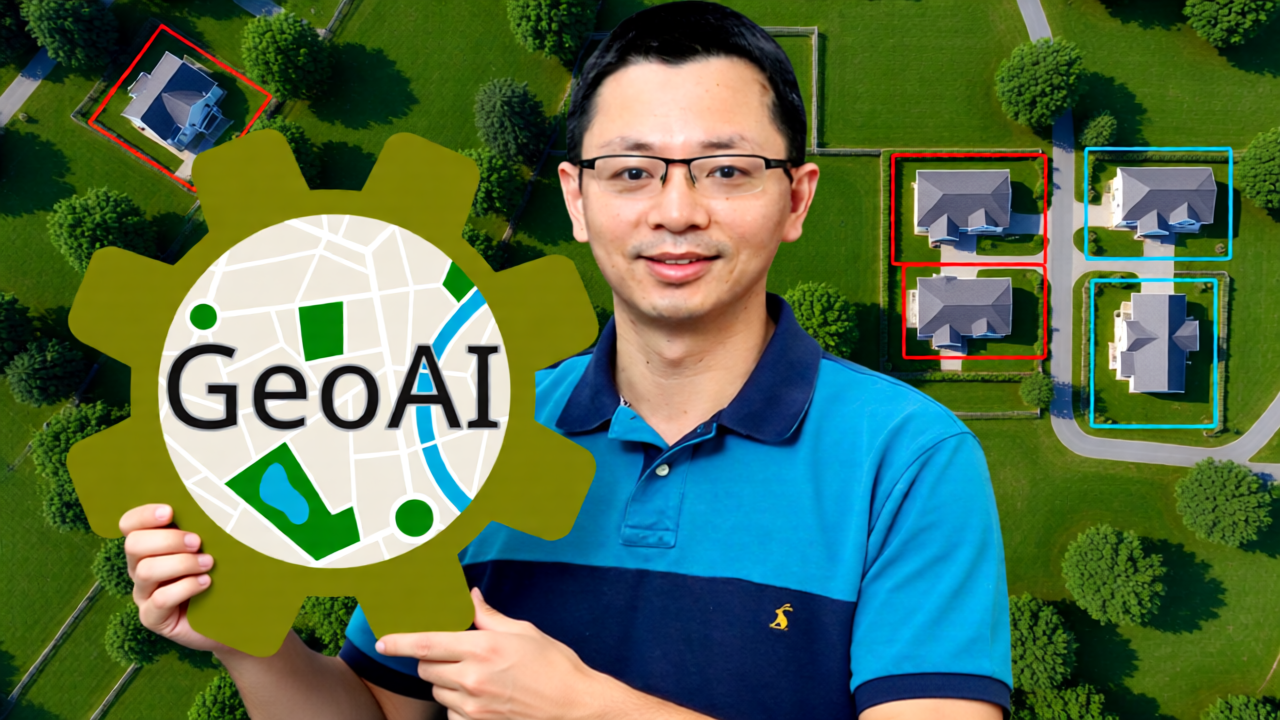
GeoAI Made Easy: Learn the Python Package Step-by-Step (Beginner Friendly)
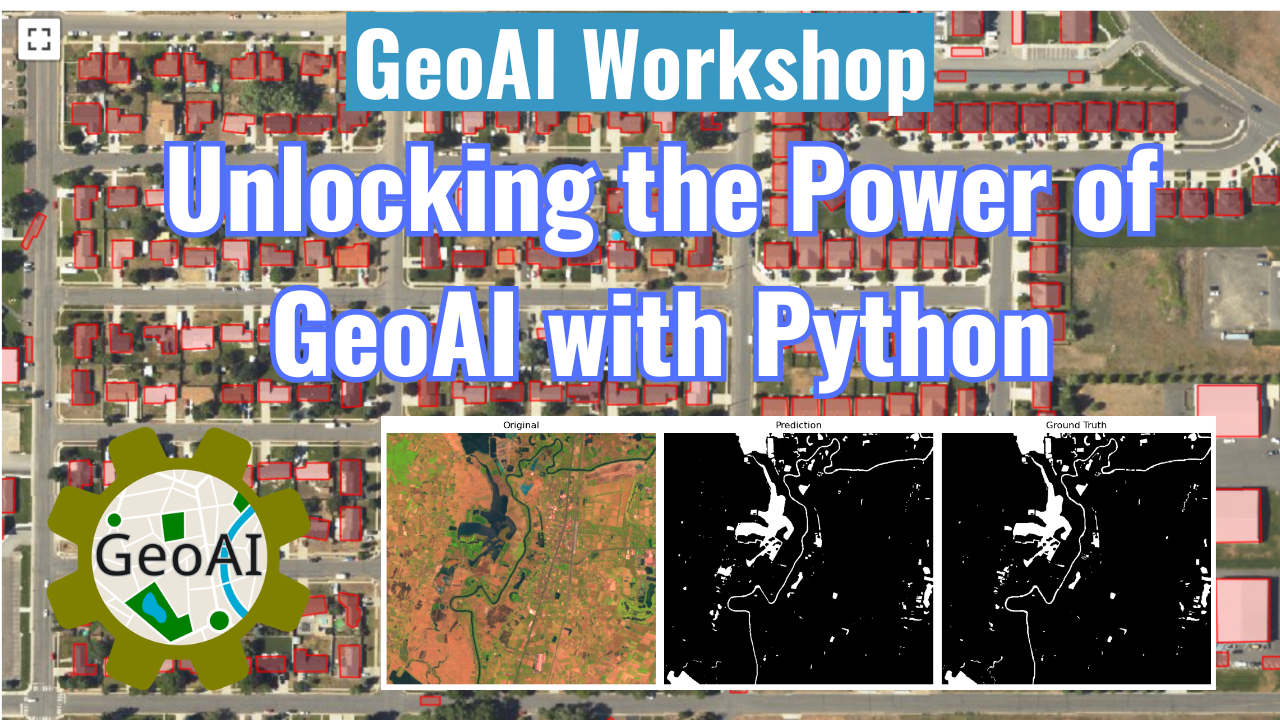
GeoAI Workshop: Unlocking the Power of GeoAI with Python
GeoAI Tutorials Playlist
🤝 Contributing
We welcome contributions of all kinds! See our contributing guide for ways to get started.
📄 License
GeoAI is free and open source software, licensed under the MIT License.
Acknowledgments
We gratefully acknowledge the support of the following organizations:
- NASA: This research is partially supported by the National Aeronautics and Space Administration (NASA) through Grant No. 80NSSC22K1742, awarded under the Open Source Tools, Frameworks, and Libraries Program.
- AmericaView: This work is also partially supported by the U.S. Geological Survey through Grant/Cooperative Agreement No. G23AP00683 (GY23-GY27) in collaboration with AmericaView.
Release history Release notifications | RSS feed


Download files
Download the file for your platform. If you're not sure which to choose, learn more about installing packages.
Source Distribution
Built Distribution
Filter files by name, interpreter, ABI, and platform.
If you're not sure about the file name format, learn more about wheel file names.
Copy a direct link to the current filters
File details
Details for the file geoai_py-0.34.0.tar.gz.
File metadata
- Download URL: geoai_py-0.34.0.tar.gz
- Upload date:
- Size: 756.8 kB
- Tags: Source
- Uploaded using Trusted Publishing? No
- Uploaded via: twine/6.2.0 CPython/3.14.3
File hashes
| Algorithm | Hash digest | |
|---|---|---|
| SHA256 |
030f59d72f48f8d1cd9dc76ad1e3649d248010b632ed0ff87b8ea22a8d01586b
|
|
| MD5 |
ba175f00f2e33e16ea0f0cf9e5c232b2
|
|
| BLAKE2b-256 |
5f755f857cd9f673ccde4217420c765f54e1824944701ff4327925cf6f21d653
|
File details
Details for the file geoai_py-0.34.0-py2.py3-none-any.whl.
File metadata
- Download URL: geoai_py-0.34.0-py2.py3-none-any.whl
- Upload date:
- Size: 549.8 kB
- Tags: Python 2, Python 3
- Uploaded using Trusted Publishing? No
- Uploaded via: twine/6.2.0 CPython/3.14.3
File hashes
| Algorithm | Hash digest | |
|---|---|---|
| SHA256 |
a79a3b28ac31a55706bc634778d4954467ffd643d2b64afd366ea9b4301709cf
|
|
| MD5 |
ceb461c65a2656bf8bdf6b30cbcf21d8
|
|
| BLAKE2b-256 |
9516ad0ddc385267bdb6873115efefec9b24045113dc2480a2f29e1aa63f6a7b
|






