
Game/Visualization library

Project description

Harfang for Python
3D real time visualization framework
Harfang is a 3D real time visualization framework for the industry, the education and for scientists. It grants developpers the ability to create applications ranging from data visualization to games.
See https://www.harfang3d.com/license for licensing terms.
Download the tutorials https://github.com/harfang3d/tutorials-hg2 and unzip them to your computer (eg. d:/tutorials-hg2).
To compile the tutorial resources, download assetc for your platform: https://www.harfang3d.com/releases/
Drag and drop the tutorial resources folder on the `assetc executable -OR- execute assetc passing it the path to the tutorial resources folder (eg. assetc d:/tutorials-hg2/resources).

After the compilation process finishes, you should see a resources_compiled folder next to the resources folder. You can now execute the tutorials from the folder you unzipped them to.
D:\tutorials-hg2>python draw_lines.py
Alternatively you can open the tutorial folder and run the provided debug targets using Visual Studio Code
The following screenshots were captured on a 2070RTX in 1080P running at 60FPS, GI is performed using screen space raytracing and does not require RTX capable hardware.


(CyberPunk City, CyberPunk Girl and Robot R32 by art-equilibrium, ILranch and ZeroArt3d)
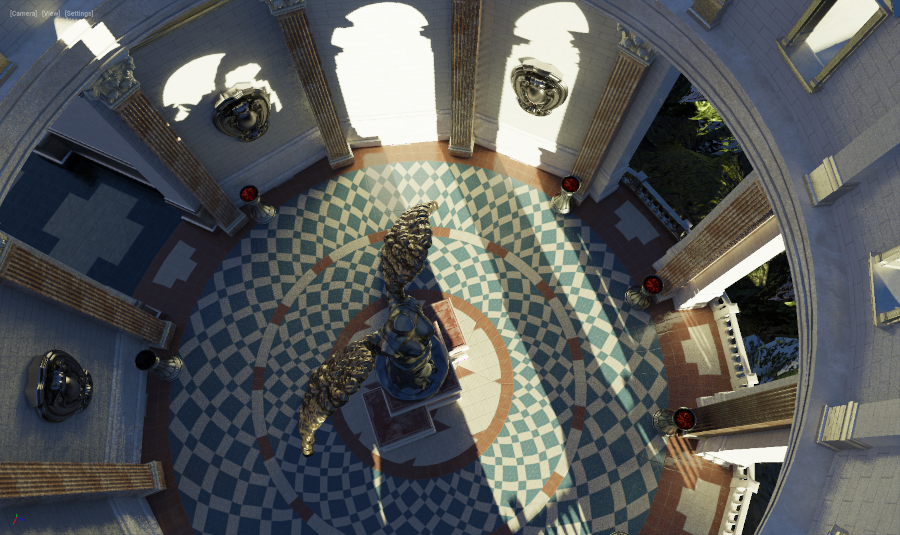
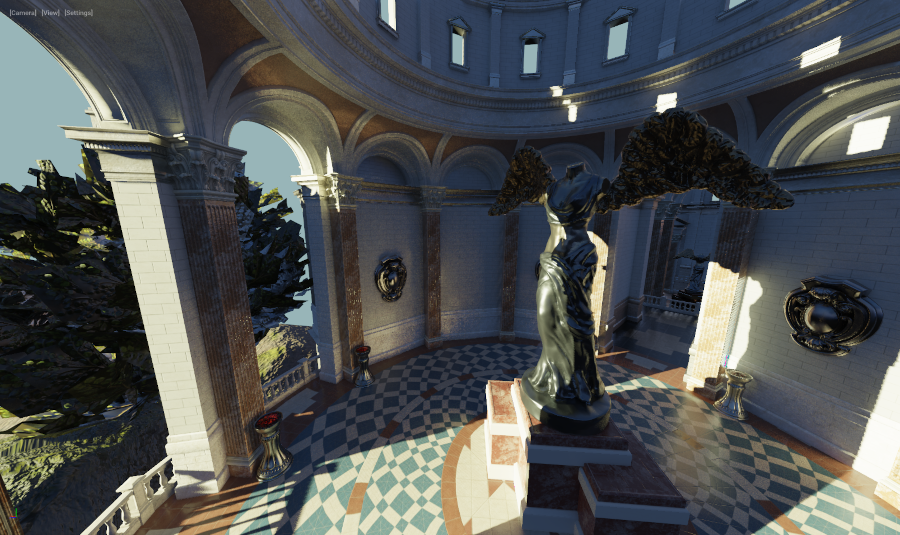
(Sun Temple, courtesy of the Open Research Content Archive (ORCA))
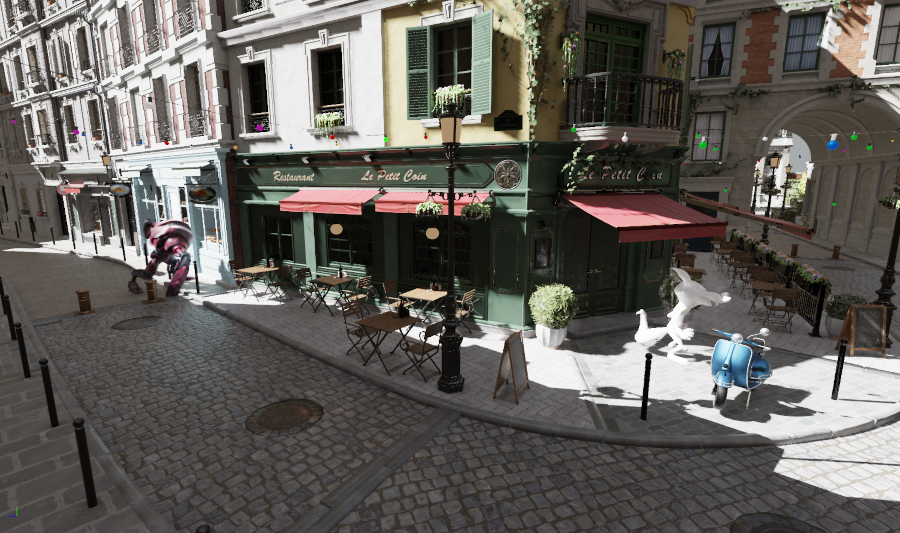
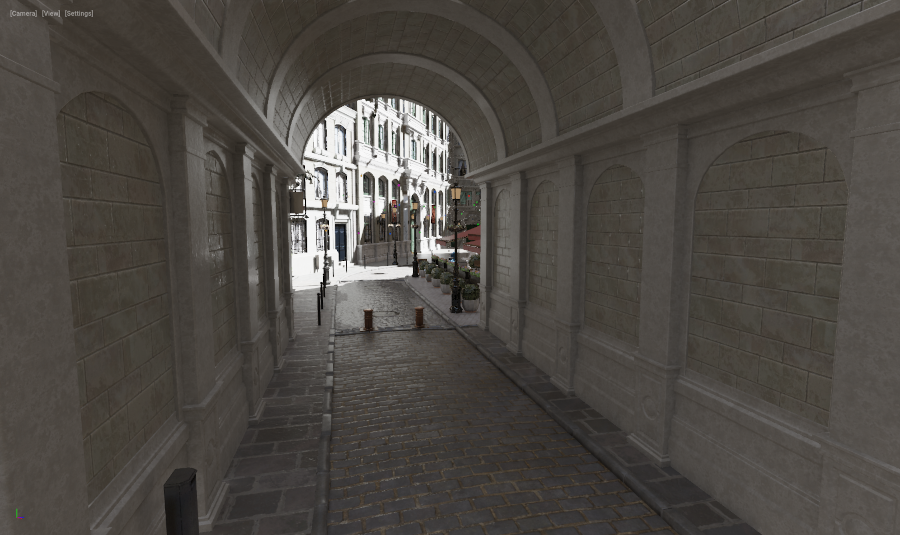
(Bistro, courtesy of the Open Research Content Archive (ORCA))
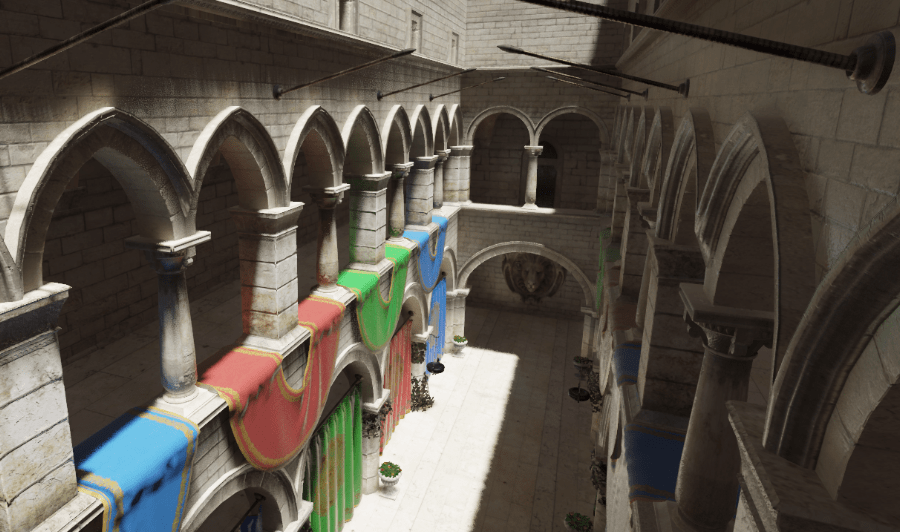
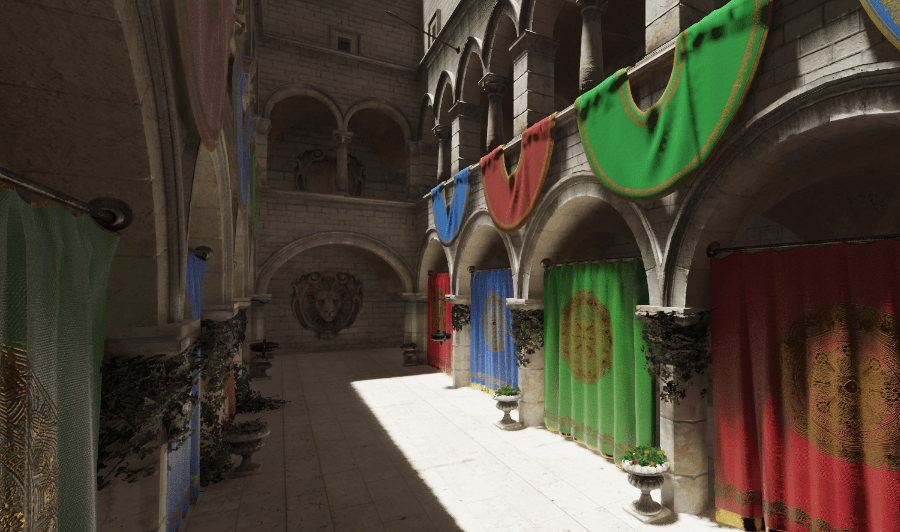
(Sponza Atrium GLTF, courtesy of Crytek/Themaister)
Node & component based
Performance oriented
Low-spec PBR rendering pipeline
High-spec ‘AAA’ rendering pipeline (screen space GI & reflection)
Support of user pipeline shaders
VR support via OpenVR/SteamVR with Eye tracking
Compatible with the HTC Vive/Vive Pro, Valve Index, Lenovo Explorer, Oculus Rift S
Rigid bodies, collisions, mechanical constraints
Ray casting
Fast & accurate
Play/stream WAV/OGG formats
3D audio spatialization
More information on https://www.harfang3d.com/
Release history Release notifications | RSS feed


Download files
Download the file for your platform. If you're not sure which to choose, learn more about installing packages.
Source Distributions
Built Distributions
Filter files by name, interpreter, ABI, and platform.
If you're not sure about the file name format, learn more about wheel file names.
Copy a direct link to the current filters
File details
Details for the file harfang-3.1.1-py3-none-win_amd64.whl.
File metadata
- Download URL: harfang-3.1.1-py3-none-win_amd64.whl
- Upload date:
- Size: 4.1 MB
- Tags: Python 3, Windows x86-64
- Uploaded using Trusted Publishing? No
- Uploaded via: twine/3.4.2 importlib_metadata/4.8.1 pkginfo/1.7.1 requests/2.23.0 requests-toolbelt/0.9.1 tqdm/4.62.3 CPython/3.7.7
File hashes
| Algorithm | Hash digest | |
|---|---|---|
| SHA256 |
faaa6800d27eeaca3a4b6e9250b7b4e26fe2e314629d4bea131f583df003239f
|
|
| MD5 |
08b968d6834529154e0097048596394d
|
|
| BLAKE2b-256 |
106eb51620d38ddb237702b631cbfa8c8f535cbe1b81d3053d6120c25d54020a
|
File details
Details for the file harfang-3.1.1-py3-none-win32.whl.
File metadata
- Download URL: harfang-3.1.1-py3-none-win32.whl
- Upload date:
- Size: 3.5 MB
- Tags: Python 3, Windows x86
- Uploaded using Trusted Publishing? No
- Uploaded via: twine/3.4.2 importlib_metadata/4.8.1 pkginfo/1.7.1 requests/2.23.0 requests-toolbelt/0.9.1 tqdm/4.62.3 CPython/3.7.7
File hashes
| Algorithm | Hash digest | |
|---|---|---|
| SHA256 |
7f32dfb69de2e200779a3c7819eef28ca553311538594cf654a227155505724c
|
|
| MD5 |
6754c34512cdc03fb6ed1b446b93eabd
|
|
| BLAKE2b-256 |
6db00a05c6f3173631c89dacb241fb38c95ef54ae2fc81d2610e08780fafa5f6
|






