
Jina NOW - get your neural search case up and running in minutes.

Project description

One command to host them all. Bring your search case into the cloud in minutes.
Tell us what you think: Survey


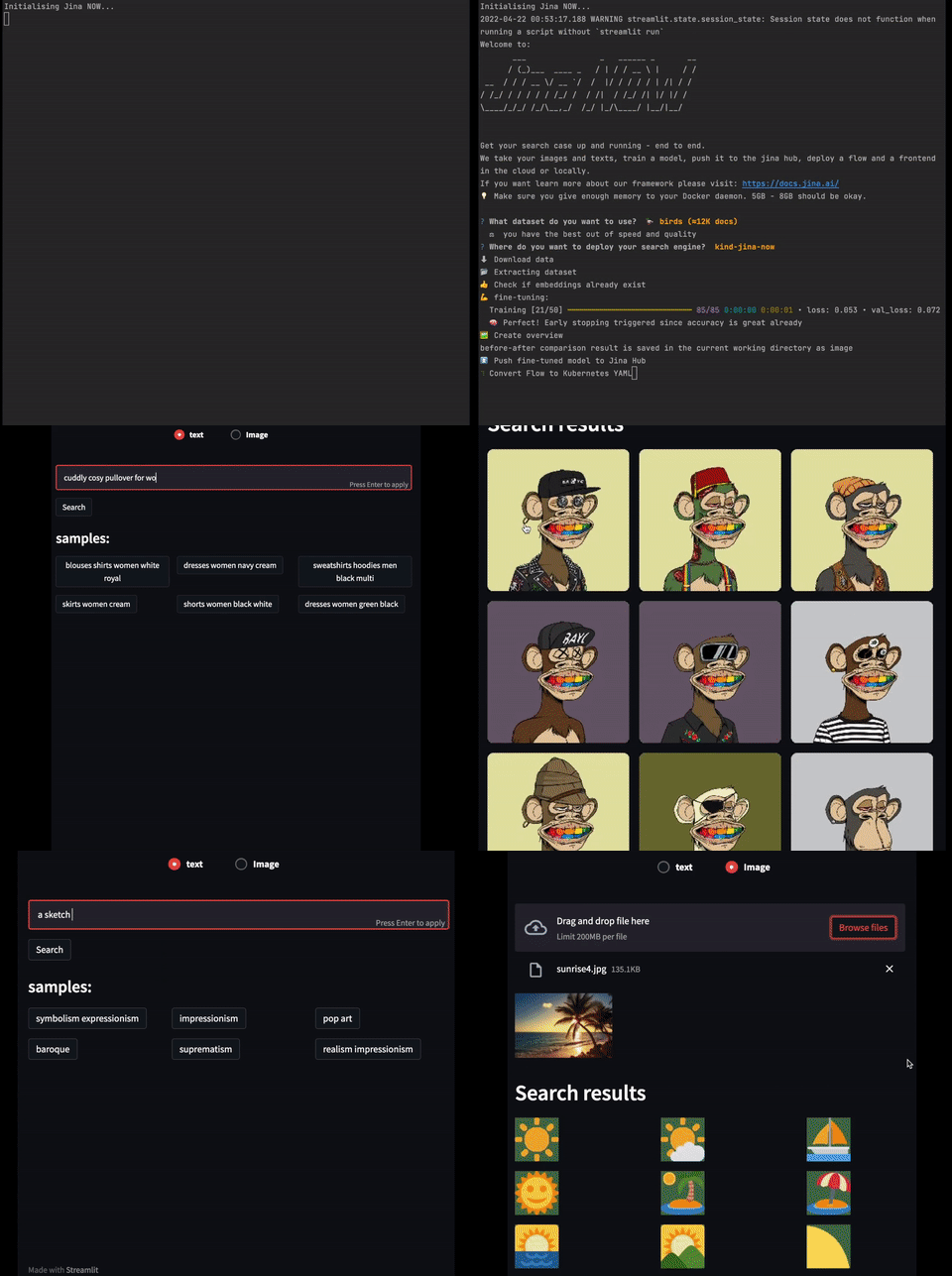
NOW gives the world access to neural image search in just one command execution. Main features
- ⛅ Cloud: We take care of the deployment and maintenance
- 🐥 Easy: Minimal effort required to set up your search case
- 🐎 Fast: Set up your search case within minutes
- 🌈 Quality: If you provide labels to your documents, Jina NOW fine-tunes a model for you
- ✨ Nocode: Deployment can be done by non-technical people
You can read more on how Jina NOW is production ready here.
Installation
pip install jina-now
In case you need sudo for running Docker, install and use jina-now using sudo as well.
Mac M1
For the Mac M1 it is generally recommended using a conda environment as outlined in the Jina documentation.
In a new conda environment first execute conda install grpcio tokenizers protobuf. Then run pip install jina-now.
Usage
You can use the following command to start Jina NOW.
jina now start
First, you will get asked what search case you would like to deploy.
Quick Start
jina now start
First, you will be prompted to choose an app. As for now, we support images or text searches. But in the future, we will add many more options here.

In the next step, you get asked to select the dataset type for your search app. You can choose between demo datasets, docarray (name or URL/path to it), local path to a folder of the data or a bucket on S3.
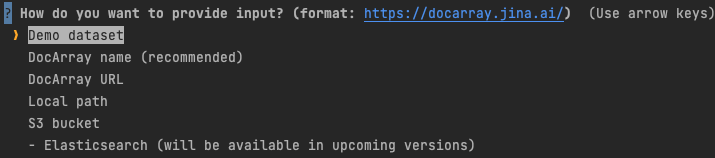
If you chose docarray.pull, you will be asked to insert your docarray id.
Likewise, if you chose docarray URL, you will be prompted to enter the URL.
In case you selected local path, jina-now will ask you to enter the local path of the data folder as shown bellow.

Currently, we provide two deployment options. We recommend using the cloud deployment. This will run your search app on our servers. Alternatively, you can select the local deployment option.

In case of local deployment, you will be asked where you want to deploy it. Jina NOW reads your local .kube/config and lists all kubernetes clusters you have access to. If you don't want to use an existing cluster, you can create a new one locally.

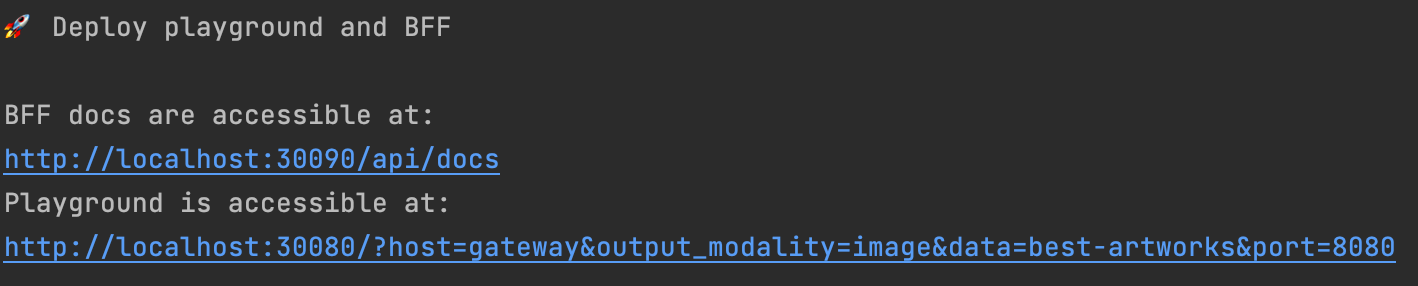
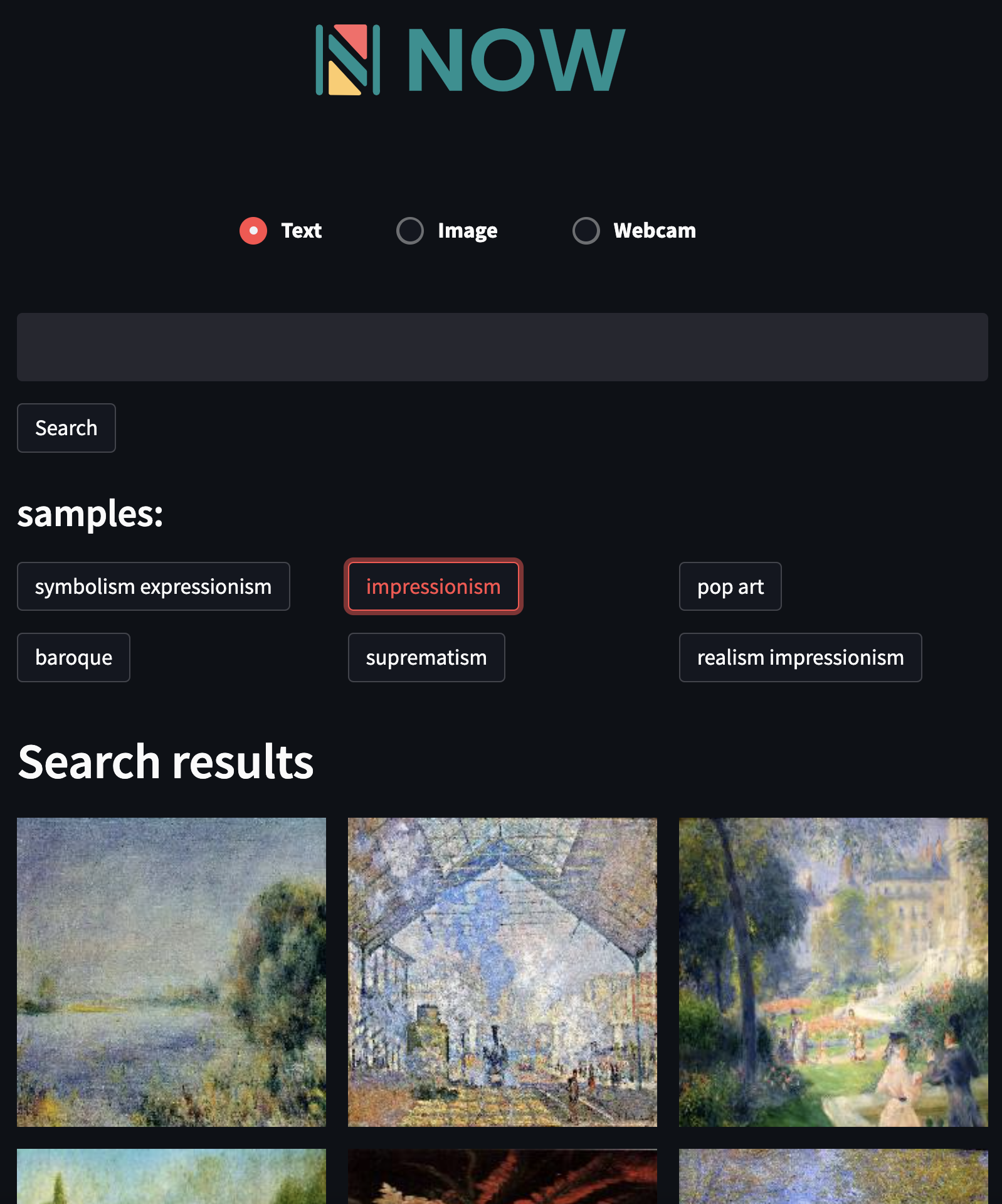
After the program execution is finished, two links will be shown to you. The first one brings you to the swagger UI which is useful for frontend integration. The second URL leads you to a playground where you can run example queries and experiment with the search case.
Example of the playground.
Example of the swagger ui.
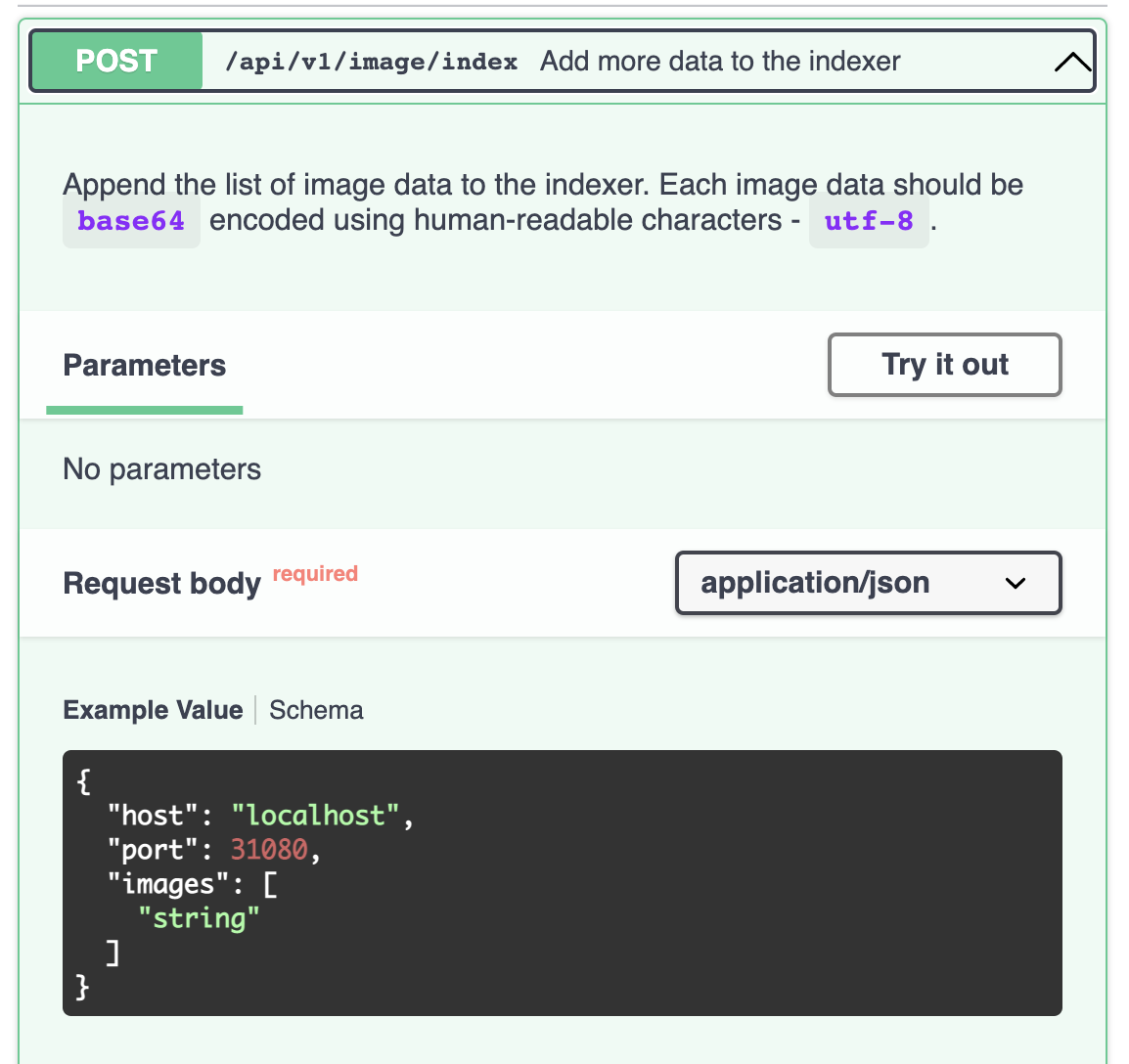
For more information on how to use Jina NOW CLI and API click here
Supported apps (more will be added)
- Text to Image search 📝 ▶ 🏞
- Image to Text search 🏞 ▶ 📝
- Image to Image search 🏞 ▶ 🏞
- Text to Text search 📝 ▶ 📝
- Music to Music search 🥁 ▶ 🥁
- Text to Video search 📝 ▶ 🎥 (only gif at the moment)
- Text to 3D Mesh search 📝 ▶ 🧊
- ...
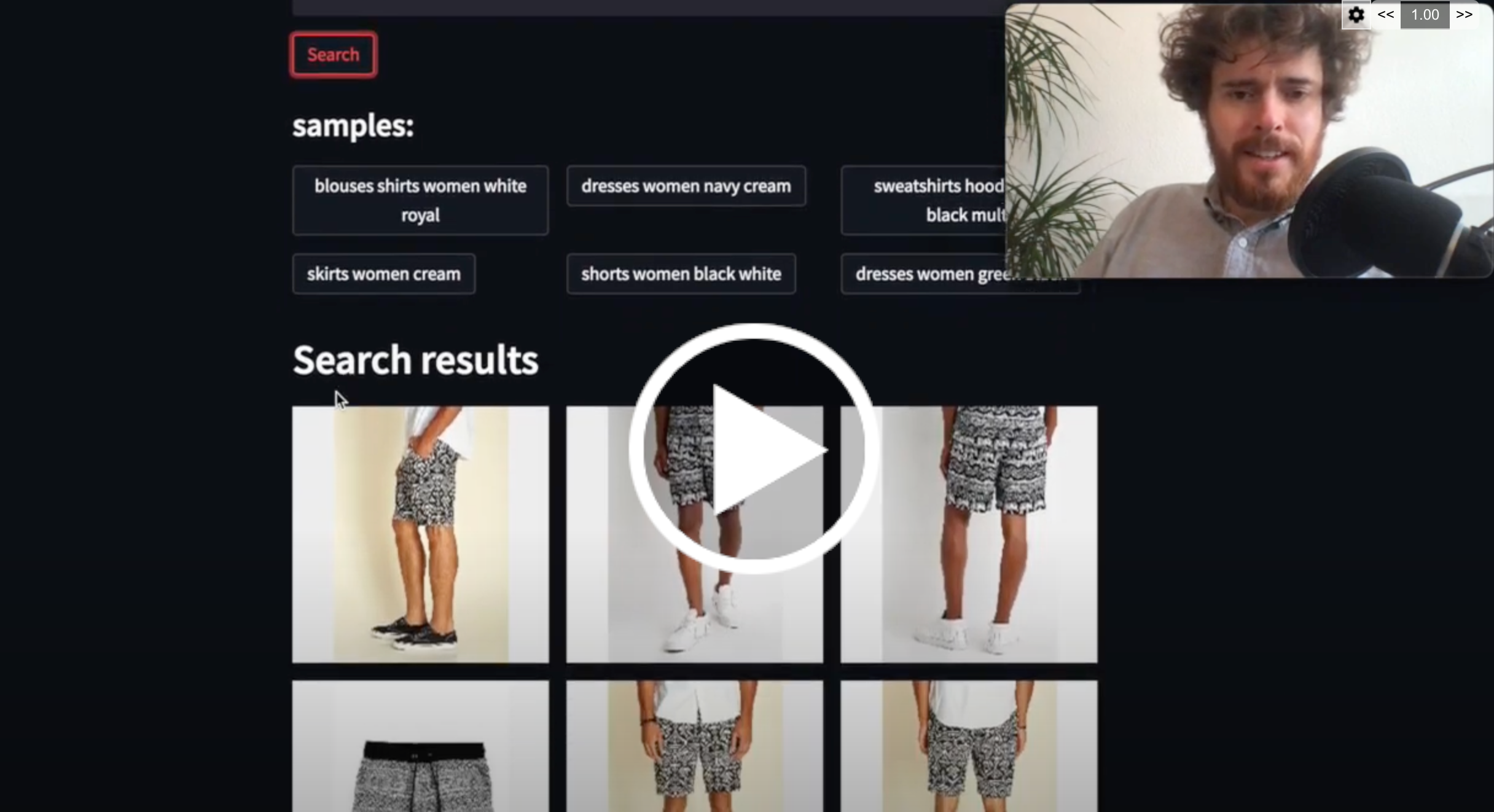
Examples
👕 Fashion

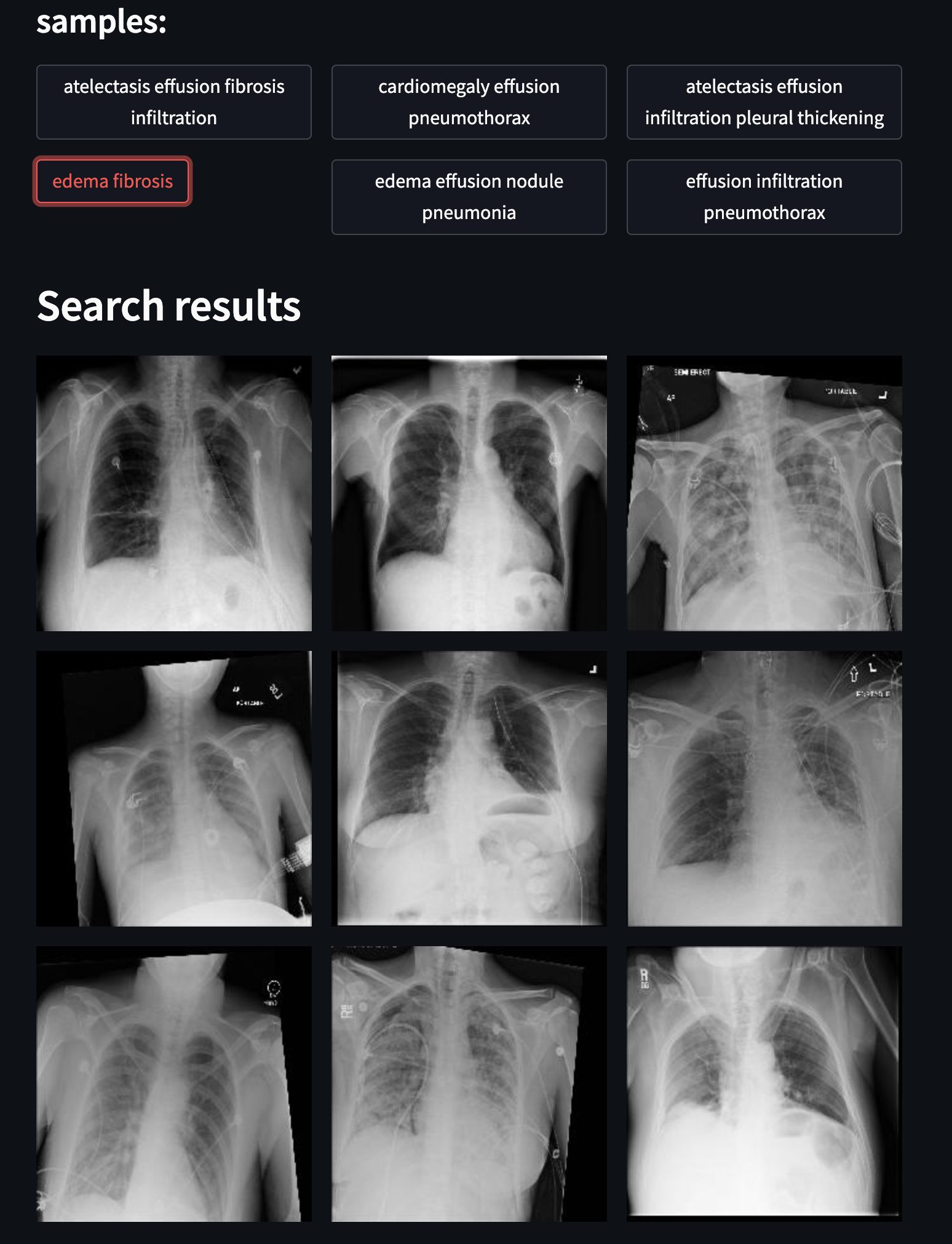
☢️ Chest X-Ray
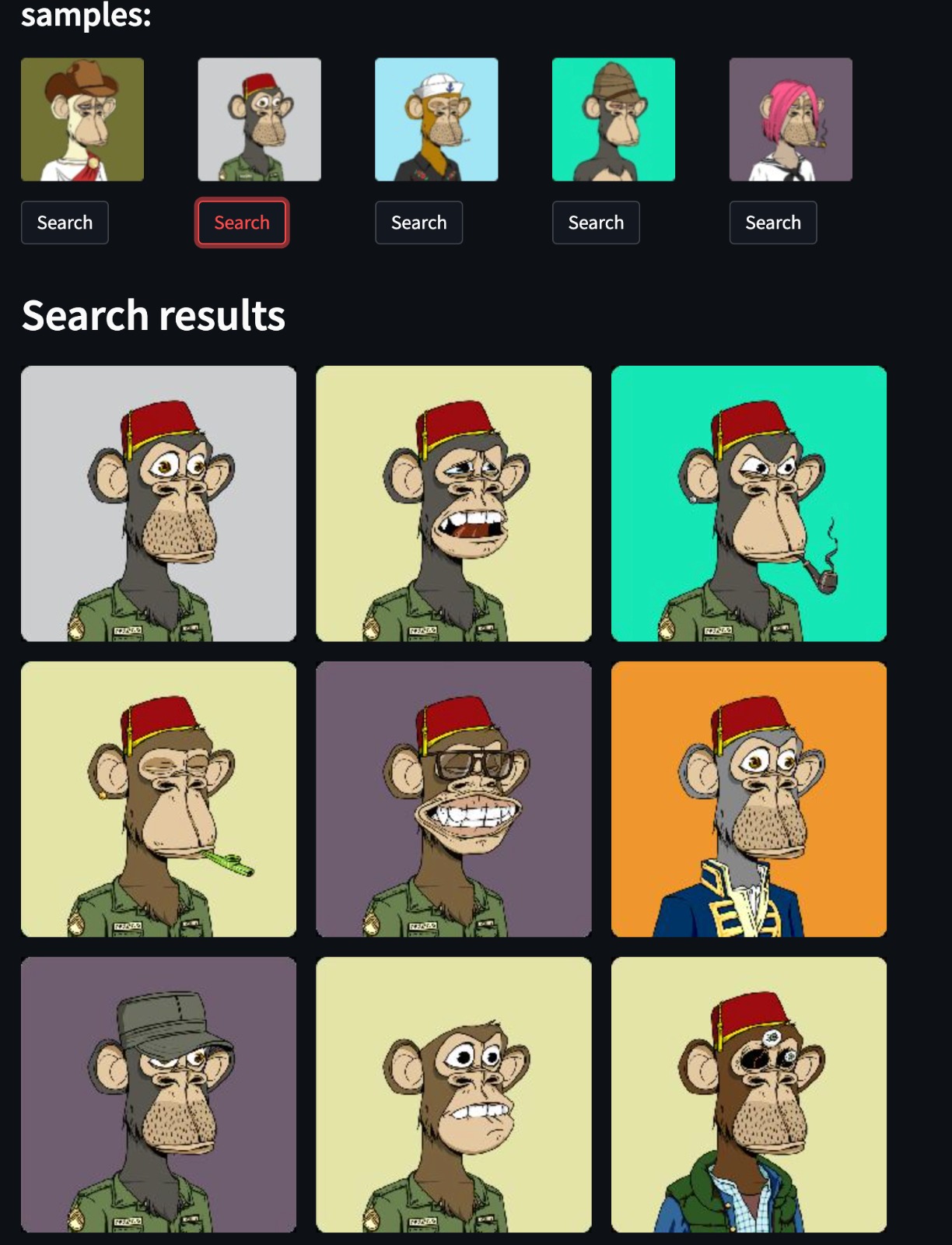
💰 NFT - bored apes
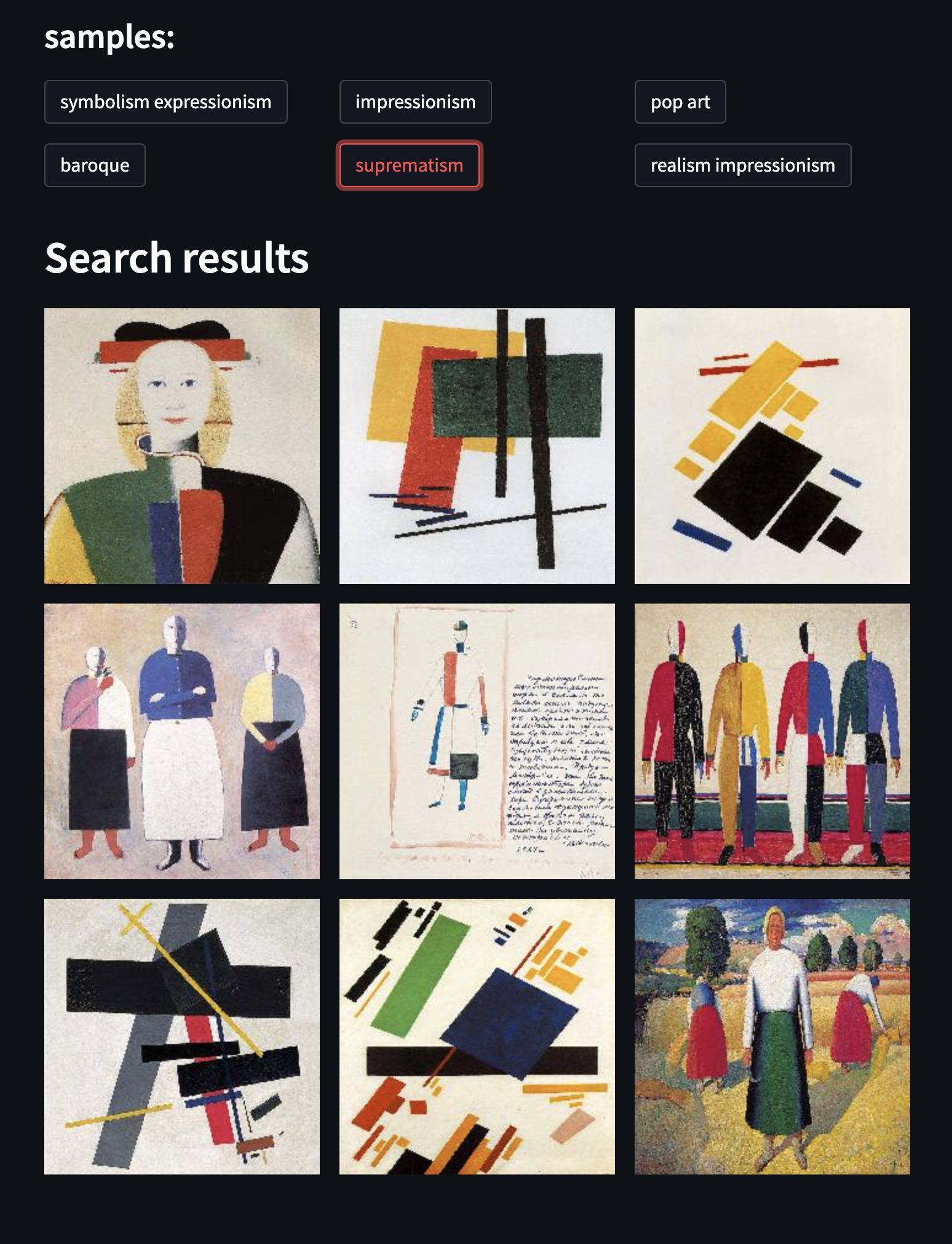
🖼 Art
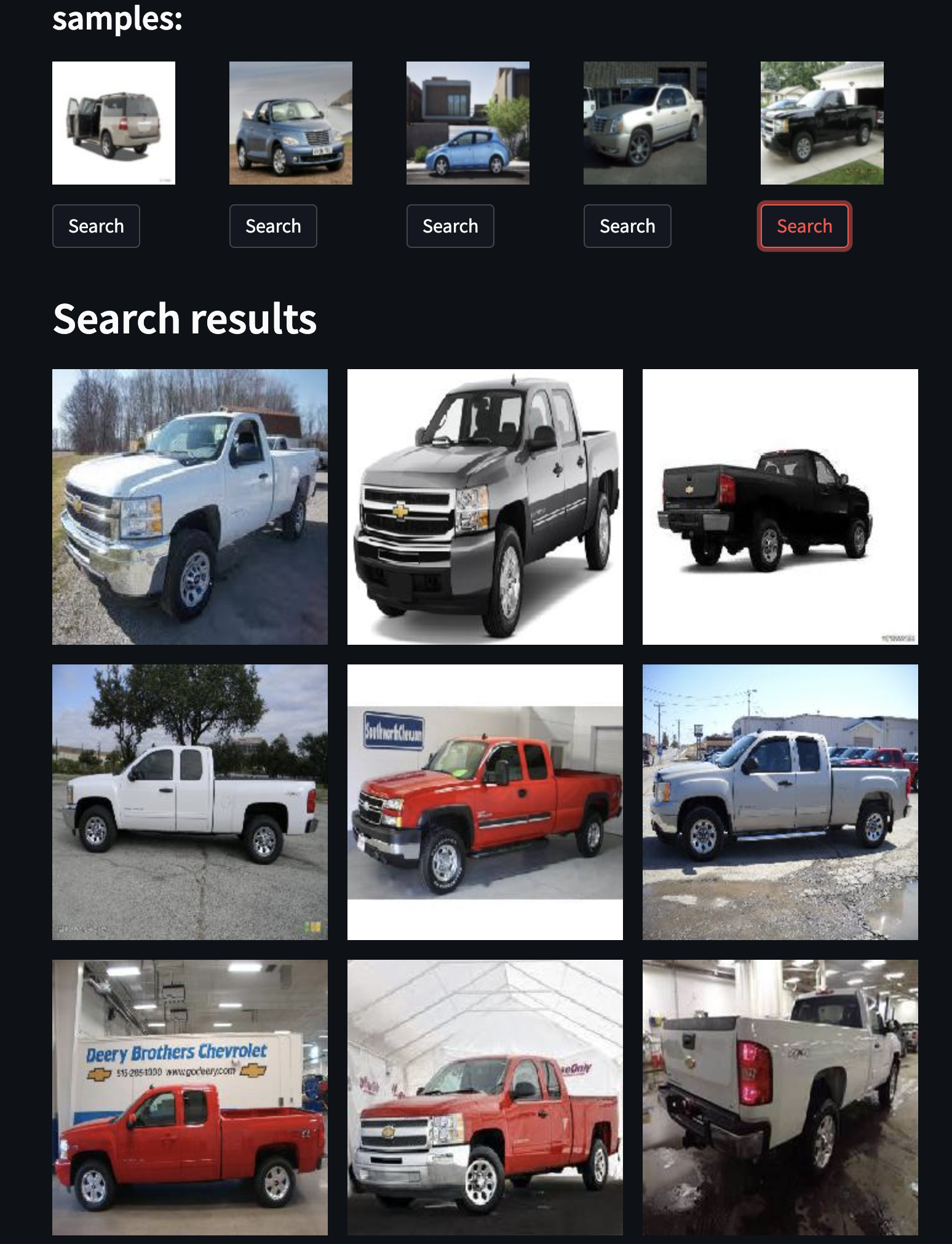
🚗 Cars
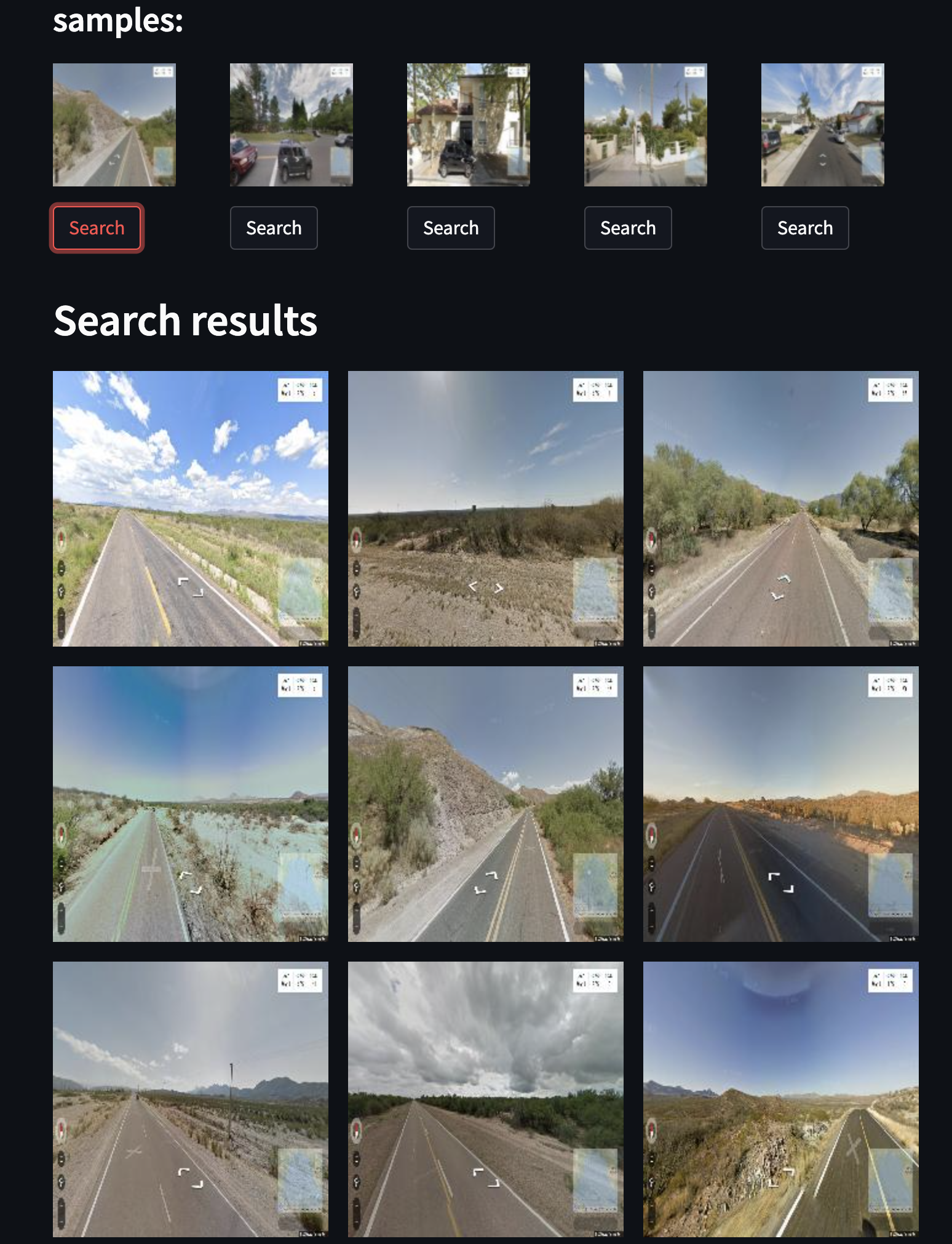
🏞 Street view
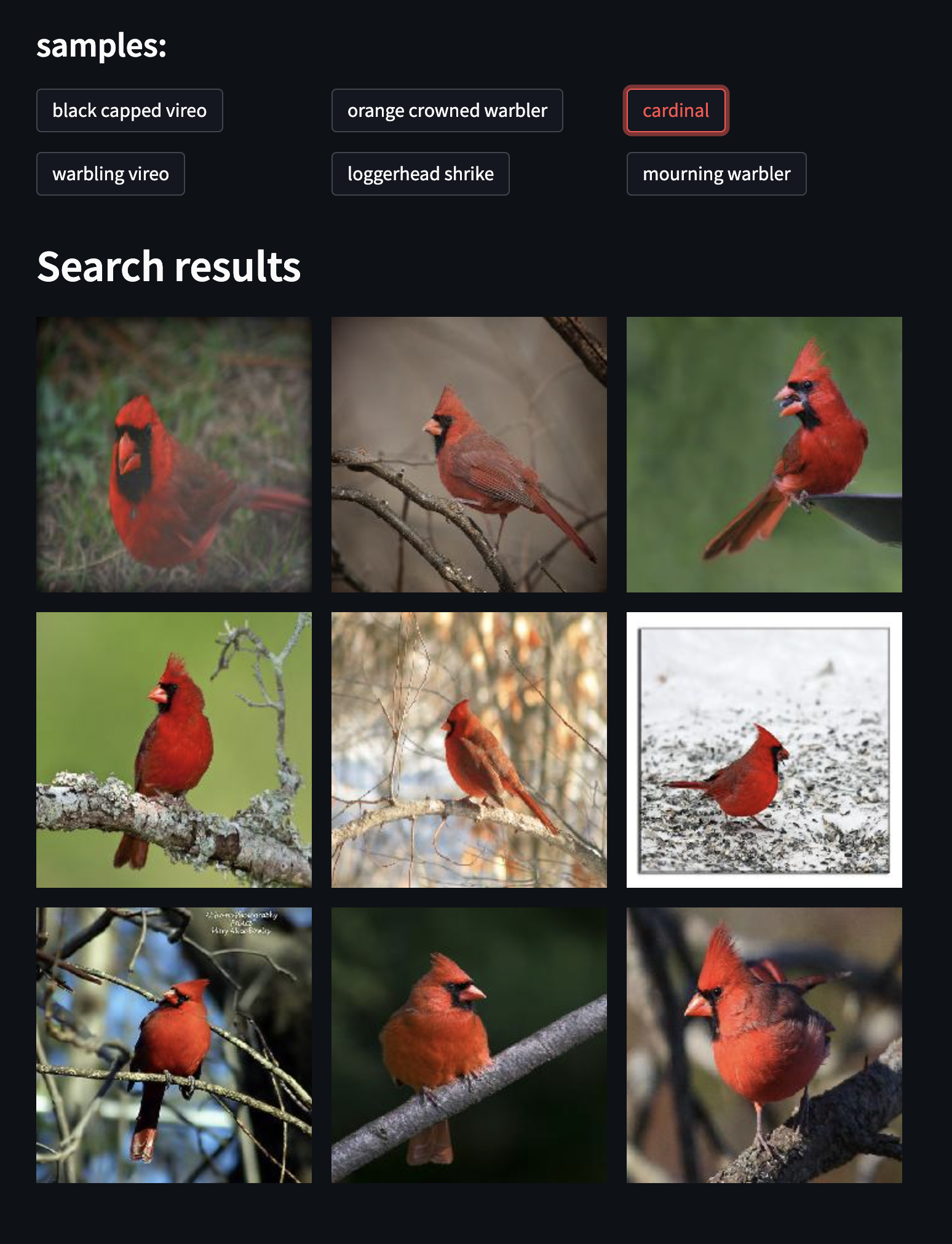
🦆 Birds
Now use your custom data :)
Release history Release notifications | RSS feed


Download files
Download the file for your platform. If you're not sure which to choose, learn more about installing packages.
Source Distribution
File details
Details for the file jina-now-0.0.34.tar.gz.
File metadata
- Download URL: jina-now-0.0.34.tar.gz
- Upload date:
- Size: 304.0 kB
- Tags: Source
- Uploaded using Trusted Publishing? No
- Uploaded via: twine/4.0.1 CPython/3.7.15
File hashes
| Algorithm | Hash digest | |
|---|---|---|
| SHA256 |
d8668c73e65597f862f491f8c5c5f50dc3ae97cf19401e9020f78d072d51f66c
|
|
| MD5 |
f26260fbc3690f2ef3656876b3a8ee02
|
|
| BLAKE2b-256 |
36292a9acc37e65aee6513611b052a08070758b7174c8c412e554463ab396deb
|






