
Official MailSlurp Python SDK Email API

Project description
MailSlurp Python Client
Create real email addresses on demand. Send and receive emails and attachments from code and tests using Python.
MailSlurp is an email API service that lets you create real email addresses in code. You can then send and receive emails and attachments in Python applications and tests.
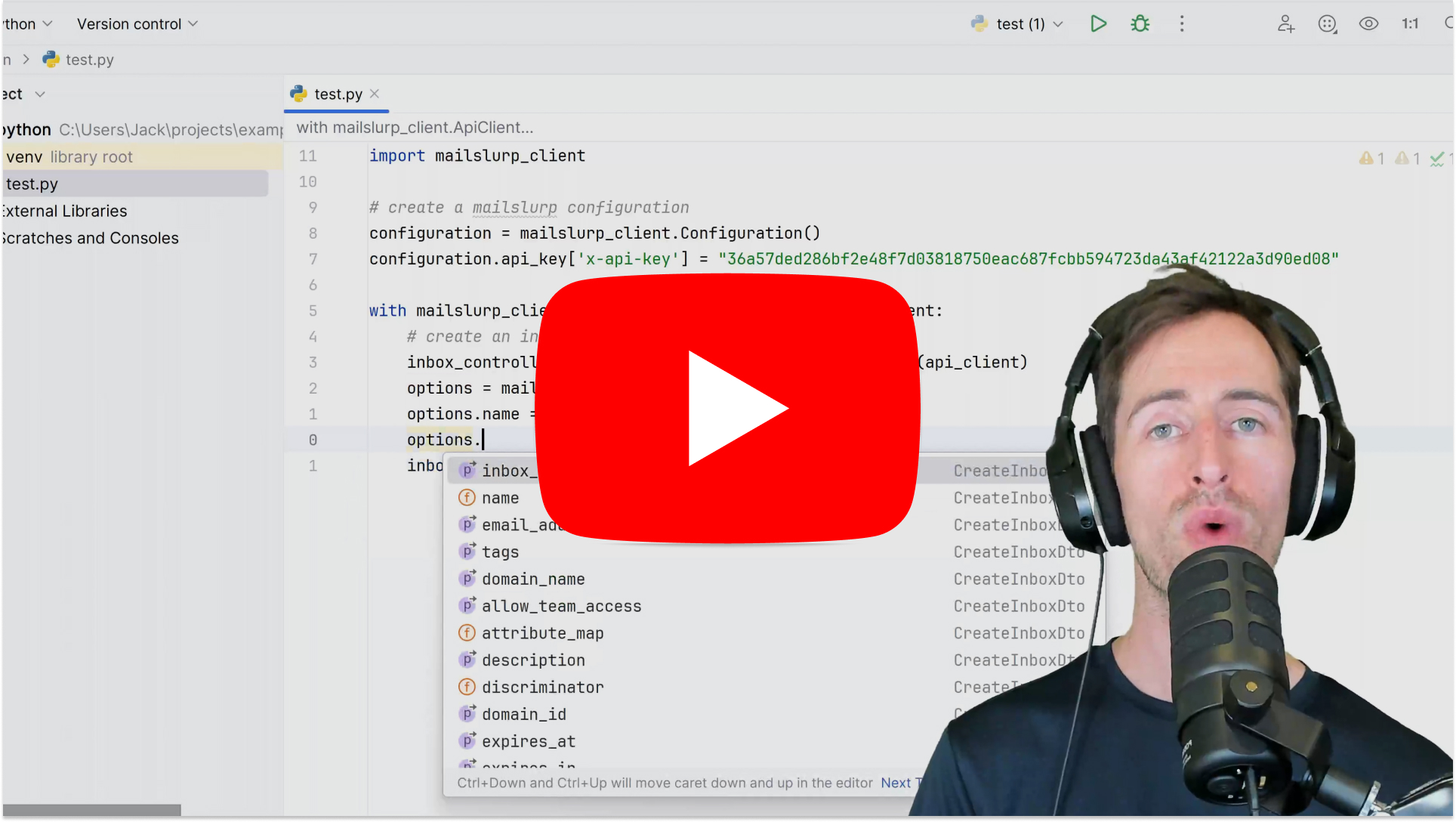
Video tutorial
Quick links
- API documentation
- Method Documentation
- PyPI Package
- Github Source
- Send email using SMTP in Python
- SMTP access details
Get started
This section describes how to get up and running with the Python client.
See the examples page for more examples and use with common frameworks such as Django, Flask and Pytest.
See the method documentation for a list of all functions or jump to common controllers below:
Create API Key
First you'll need an API Key. Create a free account and copy the key from your dashboard.
Install package
MailSlurp has an official PyPI package called mailslurp-client. It supports Python version 2 and 3.
pip install mailslurp-client
On some systems you may need to install distutils. If you encounter a CERTIFICATE_VERIFY_VALID error you can install certifi and certifi-win32 for Windows:
pip install python-certifi-win32
Configure
Once installed you can import mailslurp_client and create a configuration with your API Key.
import mailslurp_client

configuration = mailslurp_client.Configuration()
configuration.api_key["x-api-key"] = YOUR_API_KEY
Then you can create API controller instances using the configuration:
with mailslurp_client.ApiClient(configuration) as api_client:
    api_instance = mailslurp_client.InboxControllerApi(api_client)
See the controllers overview for all API methods.
Email usage examples
MailSlurp can be used to create email addresses than can send and receive real emails, SMS, and attachments in Python.
Create an email address
Create an inbox using the inbox controller:
inbox_controller = mailslurp_client.InboxControllerApi(api_client)
inbox = inbox_controller.create_inbox_with_defaults()
self.assertTrue("@mailslurp" in inbox.email_address)
You can pass options using the CreateInboxOptions class:
options = mailslurp_client.CreateInboxDto()
options.name = "Test inbox"
options.inbox_type = "SMTP_INBOX"
inbox = inbox_controller.create_inbox_with_options(options)
self.assertTrue("@mailslurp" in inbox.email_address)
See the inbox controller for more methods.
Access inbox using SMTP
smtp_access = inbox_controller.get_imap_smtp_access(inbox_id=inbox.id)
self.assertIsNotNone(smtp_access.secure_smtp_server_host)
Send with SMTP client
# configure smtp client using access details
from smtplib import SMTP

with SMTP(
    host=smtp_access.secure_smtp_server_host,
    port=smtp_access.secure_smtp_server_port,
) as smtp:
    msg = "Subject: Test subject

This is the body"
    smtp.login(
        user=smtp_access.secure_smtp_username,
        password=smtp_access.secure_smtp_password,
    )
    smtp.sendmail(
        from_addr=inbox.email_address,
        to_addrs=[inbox.email_address],
        msg=msg,
    )
    smtp.quit()
List inboxes
List inboxes using the inbox controller:
inboxes = inbox_controller.get_all_inboxes(page=0)

# pagination properties
self.assertTrue(inboxes.total_pages > 0)
self.assertTrue(inboxes.total_elements > 0)

# view contents
self.assertIsNotNone(inboxes.content[0].email_address)
Get an inbox
inbox = inbox_controller.get_inbox(inbox_id=inbox.id)
self.assertTrue("@mailslurp" in inbox.email_address)

# get by email address
inbox_by_email = inbox_controller.get_inbox_by_email_address(
    inbox.email_address
)
self.assertTrue(inbox_by_email.exists)

# get by name
inbox_by_name = inbox_controller.get_inbox_by_name(inbox.name)
self.assertTrue(inbox_by_name.exists)
Delete an inbox
inbox_controller.delete_inbox(inbox_id=inbox.id)
Upload attachments
To send attachments first upload the attachments as base64 encoded strings and use the returned attachment IDs when sending.
import base64

attachment_controller = mailslurp_client.AttachmentControllerApi(api_client)
options = mailslurp_client.UploadAttachmentOptions(
    filename="test.txt",
    content_type="text/plain",
    base64_contents=base64.b64encode("Hello world".encode("utf-8")).decode(
        "utf-8"
    ),
)
attachment_ids = attachment_controller.upload_attachment(options)
self.assertTrue(len(attachment_ids) == 1)
Send emails
Send emails with the inbox controller:
send_options = mailslurp_client.SendEmailOptions(
    to=[recipient.email_address],
    subject="Hello",
    body="Here is your email body",
    attachments=attachment_ids,
)
sent = inbox_controller.send_email_and_confirm(
    inbox_id=inbox.id, send_email_options=send_options
)
self.assertTrue(sent.sent_at is not None)
Receive emails and extract content
Use the wait for controller to wait for an expected email count to be satisfied and then return those emails.
wait_for_controller = mailslurp_client.WaitForControllerApi(api_client)
email = wait_for_controller.wait_for_latest_email(
    inbox_id=inbox.id, timeout=60_000, unread_only=True
)
self.assertTrue("Hello" in email.subject)
Email content matching
matching_emails = wait_for_controller.wait_for_matching_emails(
    inbox_id=inbox.id,
    timeout=60_000,
    unread_only=False,
    match_options=mailslurp_client.MatchOptions(
        conditions=[
            mailslurp_client.ConditionOption(
                condition="HAS_ATTACHMENTS", value="TRUE"
            )
        ],
        matches=[
            mailslurp_client.MatchOption(
                field="SUBJECT", should="CONTAIN", value="Hello"
            )
        ],
    ),
    count=1,
)
self.assertTrue(len(matching_emails) > 0)
Download attachments
attachment_content = attachment_controller.download_attachment_as_base64_encoded(email.attachments[0])
attachment_metadata = attachment_controller.get_attachment_info(email.attachments[0])
self.assertEqual(attachment_metadata.content_type, "text/plain")
Fetch email by ID
email_controller = mailslurp_client.EmailControllerApi(api_client)
email = email_controller.get_email(email_id=email_id)
self.assertTrue("Hello" in email.subject)
Verify email address
You can verify email addresses with MailSlurp. This will perform SMTP queries for the email address on your behalf.
def test_validate_email(self):
    with mailslurp_client.ApiClient(configuration) as api_client:
        mailserver_controller = mailslurp_client.MailServerControllerApi(api_client)
        verify_options = mailslurp_client.VerifyEmailAddressOptions(email_address="test@gmail.com")
        result = mailserver_controller.verify_email_address(verify_options=verify_options)
        assert result.error is None
        assert result.is_valid is True
SDK Documentation
See the guides page or the examples or the Method Documentation for full usage.
Release history Release notifications | RSS feed


Download files
Download the file for your platform. If you're not sure which to choose, learn more about installing packages.
Source Distribution
Built Distribution
Filter files by name, interpreter, ABI, and platform.
If you're not sure about the file name format, learn more about wheel file names.
Copy a direct link to the current filters
File details
Details for the file mailslurp-client-15.18.1.tar.gz.
File metadata
- Download URL: mailslurp-client-15.18.1.tar.gz
- Upload date:
- Size: 318.7 kB
- Tags: Source
- Uploaded using Trusted Publishing? No
- Uploaded via: twine/5.0.0 CPython/3.8.6
File hashes
| Algorithm | Hash digest | |
|---|---|---|
| SHA256 |
0489eeac143ec2cc4b5a4031e1e6c7fd8f21b14d7332c471b1bb4bf46a30f058
|
|
| MD5 |
11c05c626ab92058e08a9e82d984f299
|
|
| BLAKE2b-256 |
6dac9435b2538b7999237cf54c91335d67e829de57862486ca90bff3234242ee
|
File details
Details for the file mailslurp_client-15.18.1-py3-none-any.whl.
File metadata
- Download URL: mailslurp_client-15.18.1-py3-none-any.whl
- Upload date:
- Size: 718.0 kB
- Tags: Python 3
- Uploaded using Trusted Publishing? No
- Uploaded via: twine/5.0.0 CPython/3.8.6
File hashes
| Algorithm | Hash digest | |
|---|---|---|
| SHA256 |
ae0ba70b07d887db53efeaaca67e98b738f7f57525485377de24e673a2d59a2a
|
|
| MD5 |
40356249f04ee9efc1b31410b8e87430
|
|
| BLAKE2b-256 |
728b1a4e0a80e0289f4a4f622dd006196e2961ed06918cad4fb5e71846e28122
|






