
Polemarch is ansible based service for orchestration infrastructure.


Project description


Polemarch is service for orchestration infrastructure by ansible. Simply WEB gui for orchestration infrastructure by ansible playbooks.
Official site: https://gitlab.com/vstconsulting/polemarch
For any questions you could use issues tracker: https://gitlab.com/vstconsulting/polemarch/issues
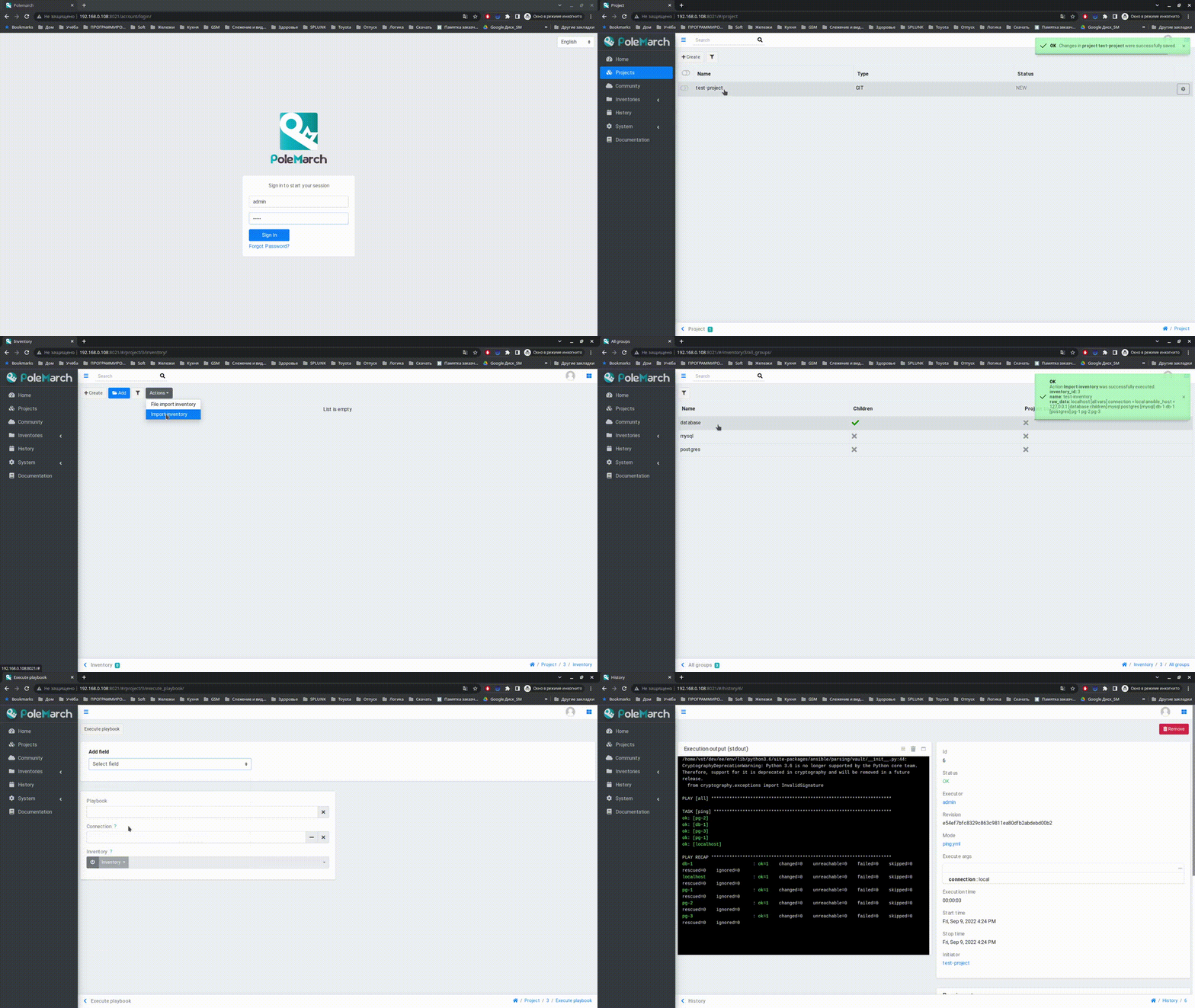
Features
scheduled tasks execution;
share hosts, groups between projects;
history of tasks execution with all details;
easy configurable clustering for reliability and scalability:
import Ansible projects from Git repository or tar archive;
documentation: http://polemarch.readthedocs.io/en/latest/ ;
groups of hosts and groups hierarchy;
multiuser;
responsive design;
Red Hat/CentOS installation
Download rpm from official site: https://github.com/vstconsulting/polemarch/releases
Install it with command
sudo yum localinstall polemarch-X.X.X-0.x86_64.rpm.Run services with commands
sudo service polemarchweb start
sudo service polemarchworker start
That’s it. Polemarch web panel on 8080 port. Default administrative account is admin/admin.
Note: If you using authentication by password at some of your machines managed by Polemarch, you also must install sshpass package because it required for ansible to autheticate via ssh by password. It available in EPEL for Red Hat/CentOS. Also you can use specify connection command line argument during playbook run as paramiko. When ansible uses paramiko to make ssh connection, sshpass not necessary.
Ubuntu/Debian installation
Download deb from official site: https://github.com/vstconsulting/polemarch/releases
Install it with command
sudo dpkg -i polemarch_X.X.X-0_amd64.deb || sudo apt-get install -fRun services with commands
sudo service polemarchweb start
sudo service polemarchworker start
Note for Debian 9 users: Polemarch currently built with libssl1.0.0, so you need to install it for your distro:
wget http://ftp.us.debian.org/debian/pool/main/o/openssl/libssl1.0.0_1.0.2l-1~bpo8+1_amd64.deb
sudo dpkg -i libssl1.0.0_1.0.2l-1~bpo8+1_amd64.deb
That’s it. Polemarch web panel on 8080 port. Default administrative account is admin/admin.
Quickstart
After you install Polemarch by instructions above you can use it without any further configurations. Interface is pretty intuitive and common for any web application.
Default installation is suitable for most simple and common cases, but Polemarch is highly configurable system. If you need something more advanced (scalability, dedicated DB, custom cache, logging or directories) you can always configure Polemarch like said in documentation at http://polemarch.readthedocs.io/en/latest/
How to contribute
Refer to documentation page about that: http://polemarch.readthedocs.io/en/stable/contribute.html
Release history Release notifications | RSS feed


Download files
Download the file for your platform. If you're not sure which to choose, learn more about installing packages.
Source Distribution
File details
Details for the file polemarch-0.2.0.tar.gz.
File metadata
- Download URL: polemarch-0.2.0.tar.gz
- Upload date:
- Size: 6.4 MB
- Tags: Source
- Uploaded using Trusted Publishing? No
- Uploaded via: twine/1.12.1 pkginfo/1.4.2 requests/2.19.1 setuptools/40.4.3 requests-toolbelt/0.8.0 tqdm/4.26.0 CPython/2.7.15rc1
File hashes
| Algorithm | Hash digest | |
|---|---|---|
| SHA256 |
9db64176a6361057cf469fb8ec68dbc344547652cc109c75235b2e2605e34e64
|
|
| MD5 |
2cf779be793765dfa005d2bfacc6d74d
|
|
| BLAKE2b-256 |
a82d28eb361ad9a6e601cd283a164172c4177de2aa852a5a6c1bf39173b88d35
|






