
Pymunk is a easy-to-use pythonic 2d physics library

Project description
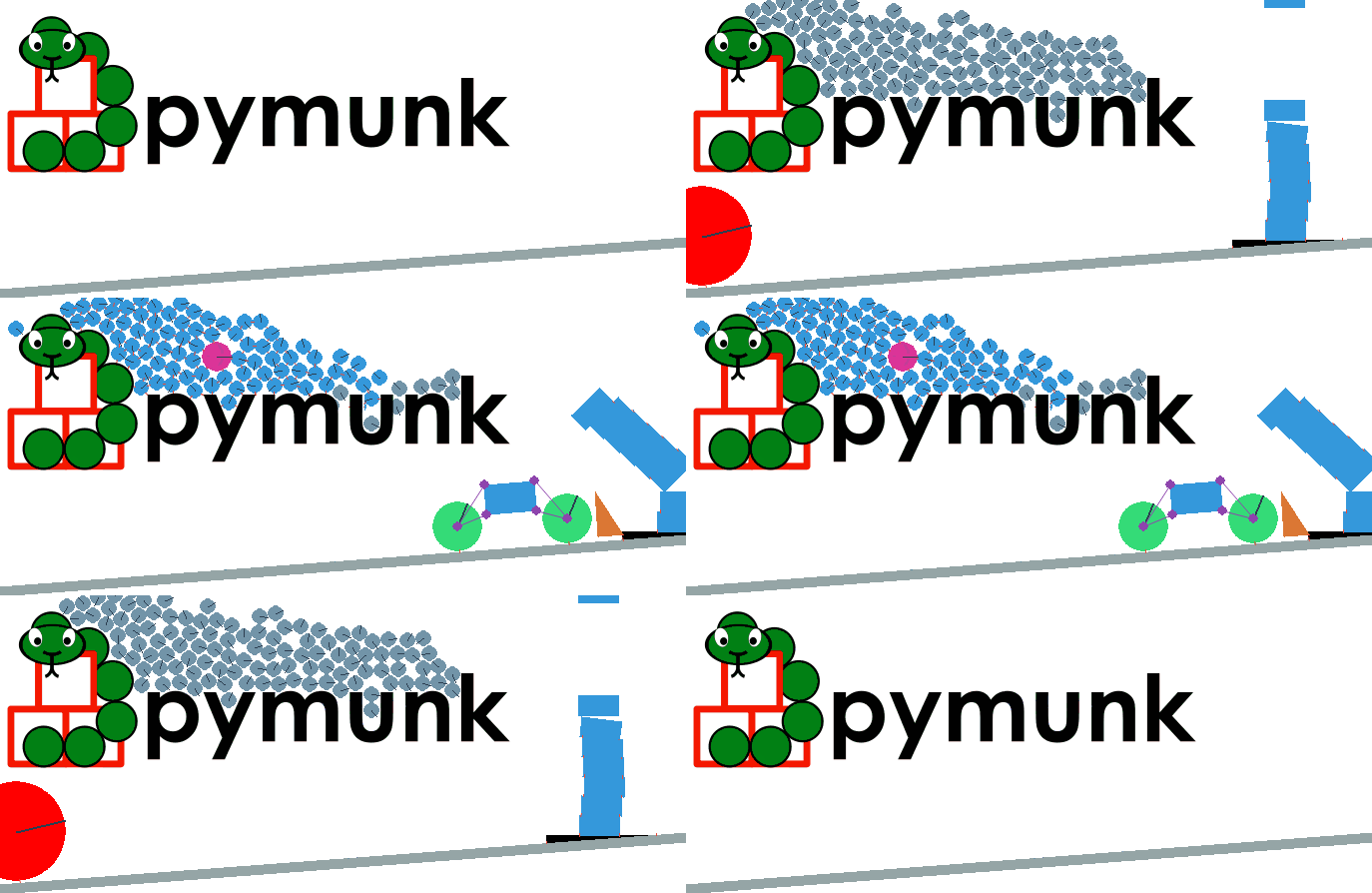
Pymunk is a easy-to-use pythonic 2d physics library that can be used whenever you need 2d rigid body physics from Python. Perfect when you need 2d physics in your game, demo or other application! It is built on top of the very capable 2d physics library Chipmunk.
The first version was released in 2007 and Pymunk is still actively developed and maintained today, more than 10 years of active development!
Pymunk has been used with success in many projects, big and small. For example: 3 Pyweek game competition winners, more than a dozen published scientific papers and even in a self-driving car simulation! See the Showcases section on the Pymunk webpage for some examples.
2007 - 2020, Victor Blomqvist - vb@viblo.se, MIT License
This release is based on the latest Pymunk release (5.7.0), using Chipmunk 7.0.2 rev aef346fb8b (source included)
Installation
In the normal case pymunk can be installed with pip:
> pip install pymunk
It has one direct dependency, CFFI.
Pymunk can also be installed with conda, from the conda-forge channel:
> conda install -c conda-forge pymunk
Example
Quick code example:
import pymunk               # Import pymunk..

space = pymunk.Space()      # Create a Space which contain the simulation
space.gravity = 0,-1000     # Set its gravity

body = pymunk.Body(1,1666)  # Create a Body with mass and moment
body.position = 50,100      # Set the position of the body

poly = pymunk.Poly.create_box(body) # Create a box shape and attach to body
space.add(body, poly)       # Add both body and shape to the simulation

print_options = pymunk.SpaceDebugDrawOptions() # For easy printing

while True:                 # Infinite loop simulation
    space.step(0.02)        # Step the simulation one step forward
    space.debug_draw(print_options) # Print the state of the simulation
For more detailed and advanced examples, take a look at the included demos (in examples/).
Examples are not included if you install with pip install pymunk. Instead you need to download the source archive (pymunk-x.y.z.zip). Download available from https://pypi.org/project/pymunk/#files
Documentation
The source distribution of Pymunk ships with a number of demos of different simulations in the examples directory, and it also contains the full documentation including API reference.
You can also find the full documentation including examples and API reference on the Pymunk homepage, http://www.pymunk.org
The Pymunk Vision
“Make 2d physics easy to include in your game”
It is (or is striving to be):
Easy to use - It should be easy to use, no complicated code should be needed to add physics to your game or program.
“Pythonic” - It should not be visible that a c-library (chipmunk) is in the bottom, it should feel like a Python library (no strange naming, OO, no memory handling and more)
Simple to build & install - You shouldn’t need to have a zillion of libraries installed to make it install, or do a lot of command line tricks.
Multi-platform - Should work on both Windows, *nix and OSX.
Non-intrusive - It should not put restrictions on how you structure your program and not force you to use a special game loop, it should be possible to use with other libraries like Pygame and Pyglet.
Contact & Support
- Homepage
- Stackoverflow
You can ask questions/browse old ones at Stackoverflow, just look for the Pymunk tag. http://stackoverflow.com/questions/tagged/pymunk
You can email me directly at vb@viblo.se
- Issue Tracker
Please use the issue tracker at github to report any issues you find: https://github.com/viblo/pymunk/issues
Regardless of the method you use I will try to answer your questions as soon as I see them. (And if you ask on SO or the forum other people might help as well!)
Dependencies / Requirements
Basically Pymunk have been made to be as easy to install and distribute as possible, usually pip install will take care of everything for you.
Python (Runs on CPython 2.7 and 3.X. Pypy and Pypy3)
Chipmunk (Compiled library already included on common platforms)
CFFI (will be installed automatically by Pip)
Setuptools (should be included with Pip)
GCC and friends (optional, you need it to compile Chipmunk)
Pygame (optional, you need it to run the Pygame based demos)
Pyglet (optional, you need it to run the Pyglet based demos)
Matplotlib & Jupyter Notebook (optional, you need it to run the Matplotlib based demos)
Sphinx & aafigure (optional, you need it to build documentation)
Python 2 & Python 3
Pymunk has been tested and runs fine on both Python 2 and Python 3. It has been tested on recent versions of CPython (2 and 3) and Pypy. For an exact list of tested versions see the Travis and Appveyor test configs.
Chipmunk Compilation
This section is only required in case you dont install pymunk the normal way (pip install or setup.py install). Otherwise its handled automatically by the install command.
Pymunk is built on top of the c library Chipmunk. It uses CFFI to interface with the Chipmunk library file. Because of this Chipmunk has to be compiled before it can be used with Pymunk. Compilation has to be done with GCC or another compiler that uses the same flags.
The source distribution does not include a pre-compiled Chipmunk library file, instead you need to build it yourself.
There are basically two options, either building it automatically as part of installation using for example Pip:
> pip install pymunk-source-dist.zip
Or if you have the source unpacked / you got Pymunk by cloning its git repo, you can explicitly tell Pymunk to compile it inplace:
> python setup.py build_ext --inplace
Note that chipmunk is actually not built as a python extension, but distutils / setuptools doesn’t currently handle pure native libraries that needs to be built in a good way if built with build_clib.
The compiled file goes into the /pymunk folder (same as space.py, body.py and others).
Release history Release notifications | RSS feed


Download files
Download the file for your platform. If you're not sure which to choose, learn more about installing packages.
Source Distribution
Built Distributions
Filter files by name, interpreter, ABI, and platform.
If you're not sure about the file name format, learn more about wheel file names.
Copy a direct link to the current filters
File details
Details for the file pymunk-5.7.0.zip.
File metadata
- Download URL: pymunk-5.7.0.zip
- Upload date:
- Size: 5.7 MB
- Tags: Source
- Uploaded using Trusted Publishing? No
- Uploaded via: twine/3.2.0 pkginfo/1.5.0.1 requests/2.24.0 setuptools/47.1.0 requests-toolbelt/0.9.1 tqdm/4.49.0 CPython/3.8.4
File hashes
| Algorithm | Hash digest | |
|---|---|---|
| SHA256 |
585aabe9a7039b7a2dc07217120b6ccfc2abc200bd381187e0912ae852a63894
|
|
| MD5 |
b5f9be7823e431b676724aa3d72c3b3f
|
|
| BLAKE2b-256 |
0d9902086cefe372c93a64b3534f7f9bce9e8415391a191a3ce2be0821adc375
|
File details
Details for the file pymunk-5.7.0-py2.py3-none-win_amd64.whl.
File metadata
- Download URL: pymunk-5.7.0-py2.py3-none-win_amd64.whl
- Upload date:
- Size: 722.8 kB
- Tags: Python 2, Python 3, Windows x86-64
- Uploaded using Trusted Publishing? No
- Uploaded via: twine/3.2.0 pkginfo/1.5.0.1 requests/2.24.0 setuptools/47.1.0 requests-toolbelt/0.9.1 tqdm/4.49.0 CPython/3.8.4
File hashes
| Algorithm | Hash digest | |
|---|---|---|
| SHA256 |
beaed1aa67a31509260ceae23baafc51ec8735a9352d843271bdd312bad8d778
|
|
| MD5 |
e7c150428ea2bb71bb9b47cef65c44ab
|
|
| BLAKE2b-256 |
5702ba1856eaca871e130776df9515f546242f1959ccddb2925290424e3bc2e6
|
File details
Details for the file pymunk-5.7.0-py2.py3-none-win32.whl.
File metadata
- Download URL: pymunk-5.7.0-py2.py3-none-win32.whl
- Upload date:
- Size: 675.0 kB
- Tags: Python 2, Python 3, Windows x86
- Uploaded using Trusted Publishing? No
- Uploaded via: twine/3.2.0 pkginfo/1.5.0.1 requests/2.24.0 setuptools/47.1.0 requests-toolbelt/0.9.1 tqdm/4.49.0 CPython/3.8.4
File hashes
| Algorithm | Hash digest | |
|---|---|---|
| SHA256 |
e8feaff79f85c6b35d84a857db540faeaff2ecb19cfcbfcf2f8117c6ed69ee16
|
|
| MD5 |
86a354420f1604c43c3f8b3254b935b2
|
|
| BLAKE2b-256 |
48e5c9bdfe353710e123421601063da2f9124a5fffd7527d0ac7f024b68f6abd
|
File details
Details for the file pymunk-5.7.0-py2.py3-none-manylinux1_x86_64.whl.
File metadata
- Download URL: pymunk-5.7.0-py2.py3-none-manylinux1_x86_64.whl
- Upload date:
- Size: 538.1 kB
- Tags: Python 2, Python 3
- Uploaded using Trusted Publishing? No
- Uploaded via: twine/3.2.0 pkginfo/1.5.0.1 requests/2.24.0 setuptools/47.1.0 requests-toolbelt/0.9.1 tqdm/4.49.0 CPython/3.8.4
File hashes
| Algorithm | Hash digest | |
|---|---|---|
| SHA256 |
71c885f6200ad31c65d4ee9b3cb74c62c5c7638e1a6a4dcc8daee740b4063ce1
|
|
| MD5 |
1a18a4770415f45d325f7c11d44bcc96
|
|
| BLAKE2b-256 |
f64eb80a830998fafd5a00e1f3918636487f07a3ae764692295343e08a375c78
|
File details
Details for the file pymunk-5.7.0-py2.py3-none-manylinux1_i686.whl.
File metadata
- Download URL: pymunk-5.7.0-py2.py3-none-manylinux1_i686.whl
- Upload date:
- Size: 498.8 kB
- Tags: Python 2, Python 3
- Uploaded using Trusted Publishing? No
- Uploaded via: twine/3.2.0 pkginfo/1.5.0.1 requests/2.24.0 setuptools/47.1.0 requests-toolbelt/0.9.1 tqdm/4.49.0 CPython/3.8.4
File hashes
| Algorithm | Hash digest | |
|---|---|---|
| SHA256 |
05eeeb2c34b11a06d68188ea2636720422436481b8fe28f5db5a7e366b8a5f78
|
|
| MD5 |
eca7aa08b628ab3fd484a0e7d49a43e1
|
|
| BLAKE2b-256 |
45940eda68019377e111dbbed97d4820e4c7499df28c8a84a8ad88806b9cf8ae
|
File details
Details for the file pymunk-5.7.0-py2.py3-none-macosx_10_13_x86_64.whl.
File metadata
- Download URL: pymunk-5.7.0-py2.py3-none-macosx_10_13_x86_64.whl
- Upload date:
- Size: 202.0 kB
- Tags: Python 2, Python 3, macOS 10.13+ x86-64
- Uploaded using Trusted Publishing? No
- Uploaded via: twine/3.2.0 pkginfo/1.5.0.1 requests/2.24.0 setuptools/47.1.0 requests-toolbelt/0.9.1 tqdm/4.49.0 CPython/3.8.4
File hashes
| Algorithm | Hash digest | |
|---|---|---|
| SHA256 |
b7fa2d00e173a06edc230d6d296f41e88b88a90e292ffb752a24b9b3759935ee
|
|
| MD5 |
bd48874e1ed3838fe53aa07578875491
|
|
| BLAKE2b-256 |
5ebe386b1f5b22345a07cc5f0bb964449de06d8f47025ced4a67b5f6dddc4447
|






